
On this page
TLDR
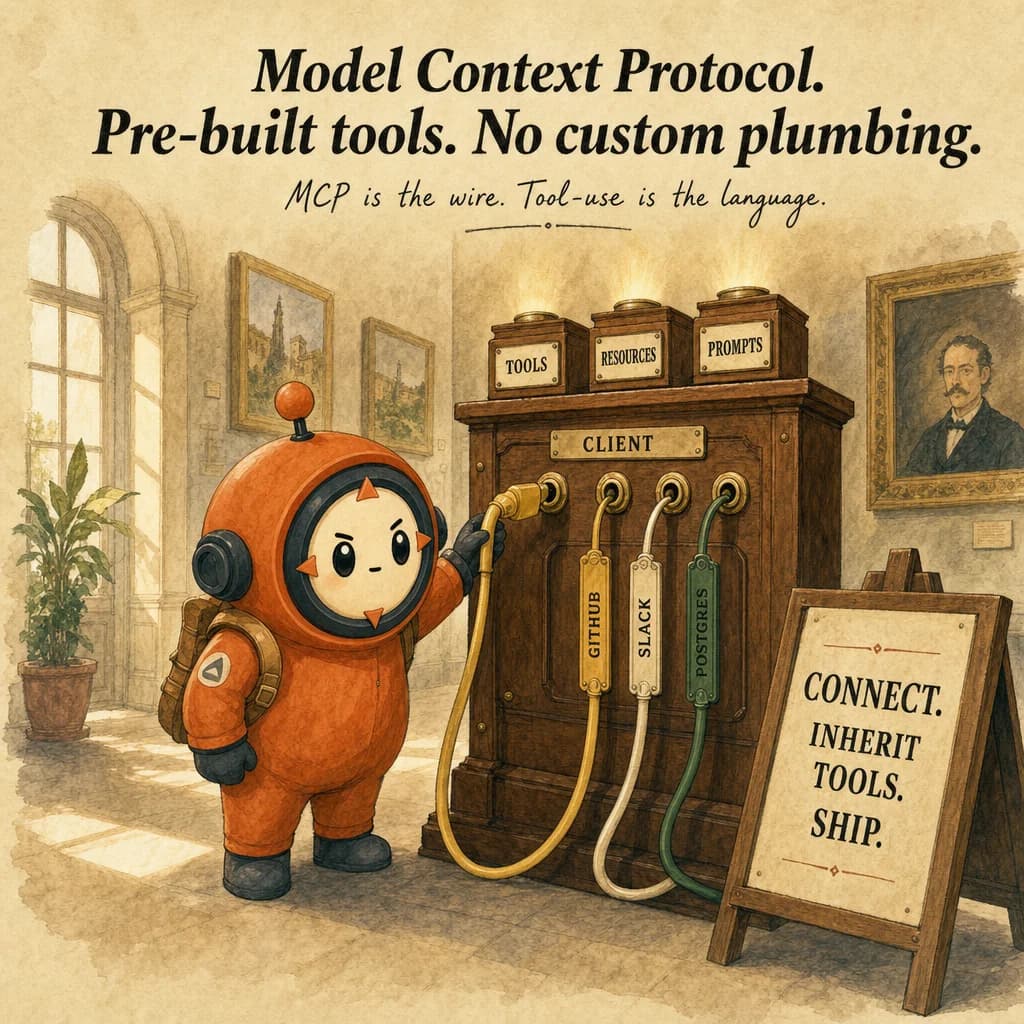
MCP is a communication standard that lets Claude access pre-built tools, resources, and prompts from specialized servers without you writing integration code. Connect to a GitHub MCP server instead of writing GitHub API tools yourself. Servers are configured in .mcp.json (project) or ~/.claude.json (user).
What it is
Model Context Protocol (MCP) is a standardized interface for connecting Claude to external systems: files, APIs, databases, web services. Think of it as the USB-C of AI integrations. Instead of each application building custom tools, MCP defines a protocol that any tool provider implements once, and any MCP-enabled client uses immediately. A .mcp.json configuration file lists servers; each server exposes tools, resources, and prompts that Claude can invoke.
Two server categories exist: installed (community-maintained or custom, running locally) and cloud-hosted (managed by the vendor, authenticated via env vars). A local server might expose Grep, Read, Bash in the same process as your app. A cloud server (e.g. GitHub MCP) runs on the vendor's infra and authenticates via your token. Both appear in Claude's tool list identically; the distinction is who maintains the code.
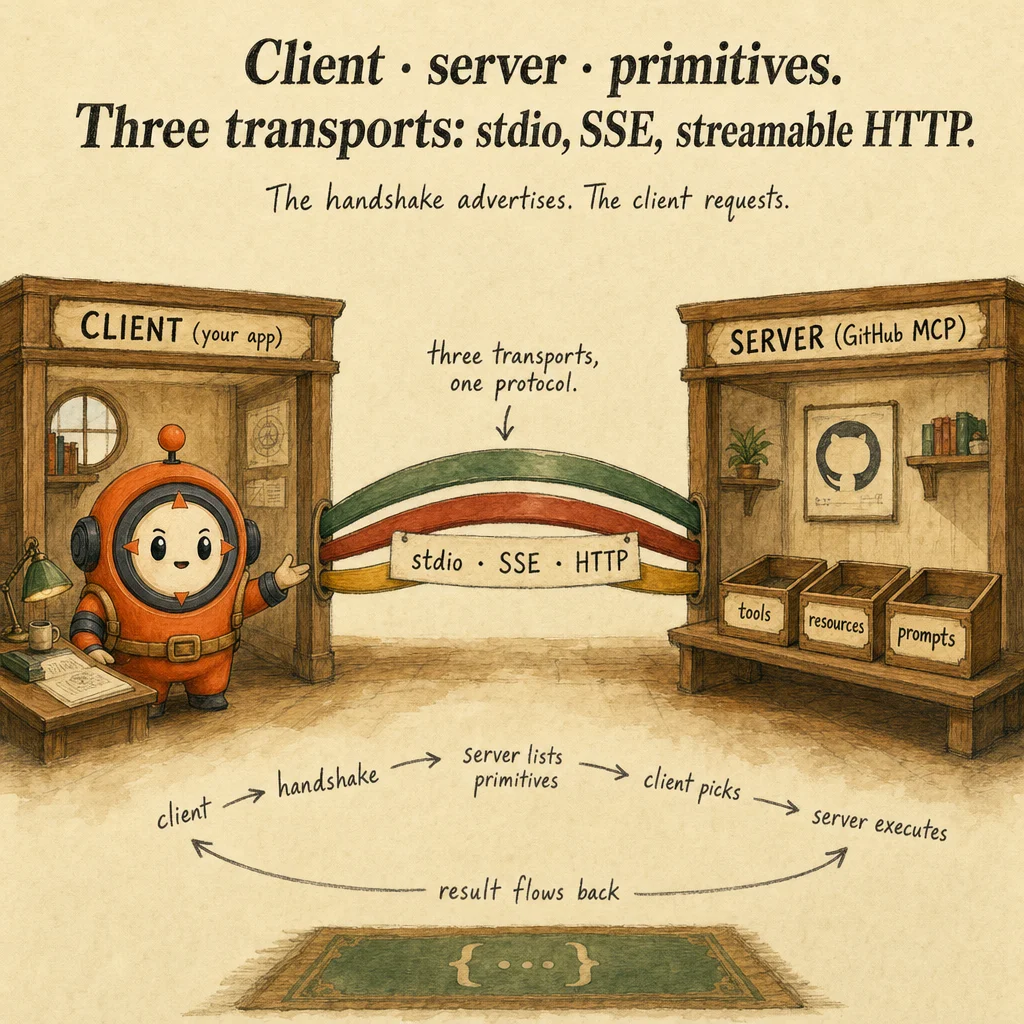
The architecture is asymmetric: Claude (the client) sends tool_use blocks; the MCP server receives the request, executes the tool, and returns a result. Claude never talks directly to an external API, the server acts as a proxy. This isolation prevents token leakage (Claude never sees raw credentials), enables caching (server-side response cache), and allows request validation (the server can reject malformed calls before forwarding).
Production failures stem from stale `.mcp.json` configuration, mismatched env vars, vague tool descriptions inherited from old integrations, and forgetting that the server owns error handling. The JSON file is version-controlled; if a teammate updates GitHub's API and doesn't re-run the MCP setup, their tools silently fail. Errors must bubble to Claude as structured data, not be swallowed by the server.
How it works
At startup, your app loads .mcp.json. Each entry specifies a server: installed (local executable) or cloud (managed remote). Installed servers are spawned as child processes; cloud servers are contacted via HTTP with credential headers. Each server is interrogated: "what tools do you expose?" The server responds with names, descriptions, and JSON schemas. All tools merge into a single namespace; Claude sees them as a unified set.
When Claude's loop produces a tool_use block (e.g. {name: "Grep", input: {query: "..."}}), the MCP framework routes the request to the server that owns that tool. The server's code runs: validates input, executes the operation, returns a result. The result is wrapped in a tool_result block and appended to the message list. Claude never knows where the tool ran or what authentication was used.
Each server can expose resources: catalogs of data Claude can query without invoking a tool. A GitHub MCP server might expose a resource listing all open issues; Claude inspects that catalog to decide which tools to call. Resources reduce exploratory tool calls: instead of calling list_issues 20 times, Claude reads the resource once and calls targeted tools. Resources are read-only caches; tools are the write path.
Error handling flows back to Claude via tool_result. If the server hits an API error (timeout, 403, invalid request), it returns a structured message in content: {"error": "github_api_timeout", "hint": "retry after 30s"}. Claude reads the error and adjusts. Silent error suppression (returning empty as success) is the #1 production failure: Claude doesn't know the tool failed and re-requests indefinitely.
Where you'll see it
Team-shared GitHub integration
Project uses GitHub MCP server: PR queries, issue lists, code search, all pre-built. Configure in .mcp.json (committed to repo). Team members run claude mcp sync once. Replaces hand-rolled tool definitions and auth wrappers; tokens come from team env vars.
Custom MCP server for legacy billing
Company has a Unix-only billing API with no SDK. Build a Python MCP server wrapping the API; expose via stdio in .mcp.json. Agent calls standard MCP tools; the server hides the legacy weirdness. New team members inherit the integration automatically.
Show 1 more examples
Resources for upfront schema discovery
Database MCP exposes a resources endpoint listing all tables and columns. Agent reads the resource ONCE at session start instead of calling list_tables / describe_table N times. Cuts exploratory tool calls from 8 → 0 per session.
Code examples
{
  "mcpServers": {
    "github": {
      "command": "npx",
      "args": ["-y", "@modelcontextprotocol/server-github"],
      "env": {
        "GITHUB_PERSONAL_ACCESS_TOKEN": "${GITHUB_TOKEN}"
      }
    },
    "postgres": {
      "command": "uvx",
      "args": ["mcp-server-postgres", "--readonly"],
      "env": {
        "DATABASE_URL": "${DATABASE_URL}"
      }
    },
    "billing-legacy": {
      "command": "python3",
      "args": ["./mcp-servers/billing.py"],
      "env": {
        "BILLING_API_HOST": "${BILLING_API_HOST}",
        "BILLING_API_KEY": "${BILLING_API_KEY}"
      }
    }
  }
}
Looks right, isn't
Each row pairs a plausible-looking pattern with the failure it actually creates. These are the shapes exam distractors are built from.
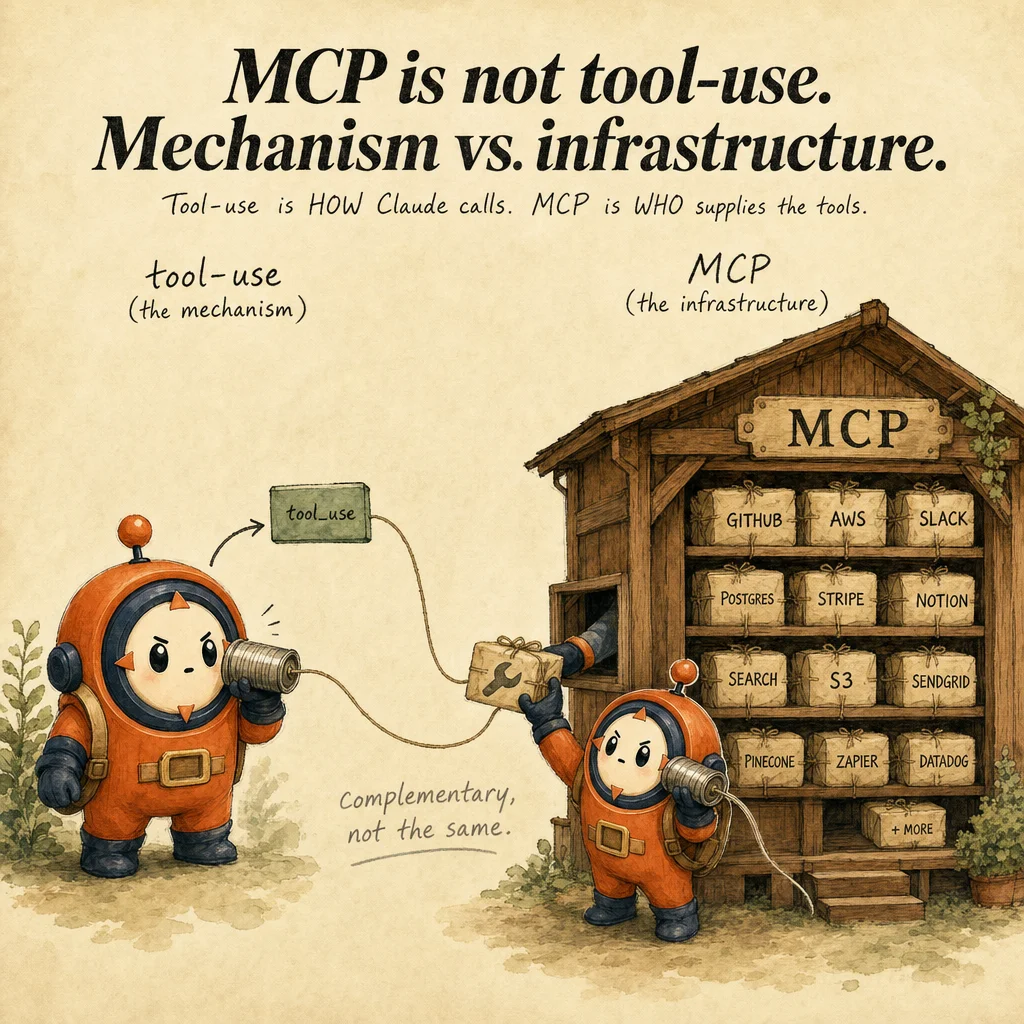
MCP and tool-use are competing approaches; pick one.
MCP is infrastructure (who provides tools); tool-use is the mechanism (Claude calls them).
They're complementary, every MCP tool fires through the tool-use protocol.
Hardcode API tokens in .mcp.json so the team has a single source of truth.
.mcp.json is committed to git.
Hardcoded secrets leak. Use ${ENV_VAR} expansion; secrets stay in CI/CD or local .env.local files.
Expose 30 tools in one MCP server for completeness.
Same 18-tool degradation applies.
Scope MCP servers to focused domains (one per service). Use 'resources' to expose data upfront and avoid forcing N exploratory tool calls.
MCP servers run inside Claude's process, so they can read in-memory state from the host app.
MCP servers run as separate processes (stdio child processes for local servers, remote HTTP for cloud).
The protocol is JSON-RPC over a stream; there's no shared memory. Anything the server needs must come through tool inputs or env vars, this isolation is the security boundary, not a bug.
An MCP server is a one-time setup, just install it and forget.
MCP servers have a capability handshake on every client connection: tools, resources, and prompts are re-fetched.
If you upgrade the server (new tool added) without restarting clients, those clients never see the new tool. Restart the Claude Code session or run claude mcp sync after server-side changes.
Side-by-side
| Aspect | MCP server | Custom in-app tools | SDK built-ins |
|---|---|---|---|
| Setup effort | Low (config in .mcp.json) | Medium (write tool defs in code) | Zero (Read/Edit/Bash) |
| Reusability | High (any Claude client) | Per-app | Built into Claude Code |
| Best for | Standard integrations | Bespoke business logic | File ops + shell |
| Auth | Env-var expansion | Per-app config | Inherits user permissions |
| Transport | stdio (child process) or HTTP/SSE (remote) | In-process function calls | In-process; OS-level for Bash |
| Failure isolation | Server crash isolated; client sees tool_error | Crash takes down the whole agent | Bash failures bubble; Read/Edit are safe |
Decision tree
Is this integration with a known service (GitHub, Slack, Postgres, etc.)?
Does the team need to share this integration?
Will the agent need exploratory schema/data lookups?
Is the integration internet-facing (third-party API) or internal (intranet/local)?
Will multiple Claude Code users hit the same backend simultaneously?
Question patterns
6 V2 questions wired to this concept. Tap an answer to check it instantly - you'll see whether it's right and why - then expand the full breakdown for the mental model and all four rationales.
You add a new MCP server to .mcp.json but Claude Code does not see its tools. What did you forget?
Frequently asked
Showing 10 of 10 questions
billing://schema); tools have JSON-Schema inputs. Use resources for catalogs/schemas/manifests; use tools for queries and mutations.github__create_issue vs gitlab__create_issue if both expose create_issue. Name collisions are namespaced, so there's no hidden override. Verify via claude mcp list to see the resolved tool names.GITHUB_PERSONAL_ACCESS_TOKEN) and uses it for downstream API calls. Claude never sees the token, that's the whole point of the proxy architecture.transport: "http" MCP servers. Stdio assumes a long-lived child process, which serverless platforms don't support.tool_error block) and attempts reconnection on the next tool call. Claude sees the error and can adjust strategy. Without graceful error handling on your side, repeated crashes look like "the tool just stopped working.".mcp.json at the project root and Claude Code only loads it for that project. Personal servers go in ~/.claude.json and apply globally. Mixing scopes (project + personal both define github) merges with project taking precedence.tools array (mark with cache_control). The tool results are not cached, they're dynamic per-call. MCP servers can implement their own response cache, separate from prompt caching.claude mcp list shows the server is connected, (2) the server's capability handshake completed (look for tool definitions in the connect log), (3) the .mcp.json is at project root, not buried in a subdirectory. Restart the Claude Code session after .mcp.json edits, the file is read at startup.