

TLDR
A first Claude draft is rarely the version you hand to its actual reader. Adapting output for audience runs on two concrete mechanisms: few-shot before/after examples of the target register, and persistent configuration, account instructions, project instructions, or Skills, for audiences you'll hit again. "Just ask Claude to be more casual" skips both.
What it is
A first Claude draft is rarely the version you hand to its actual reader. This objective is about the deliberate step of re-shaping an output, tone, vocabulary, length, and format together, to fit who will consume it: an executive, a customer, a technical peer, a regulator. Anthropic frames this less as one clever prompt and more as an iterative loop: draft, check against success criteria, adjust, re-check.
Audience-targeting is a named benefit of prompting, not an afterthought. Anthropic's own business-performance guidance lists it as a core payoff: "prompt engineering helps customers deliver targeted experiences for their desired audiences and industries... you can cater to very specific personas and their needs." The exam objective covers four related actions on the same output, edit, adapt, refine, and compare, adjusting a draft and then checking it against an alternative version before deciding which one ships.
How it works
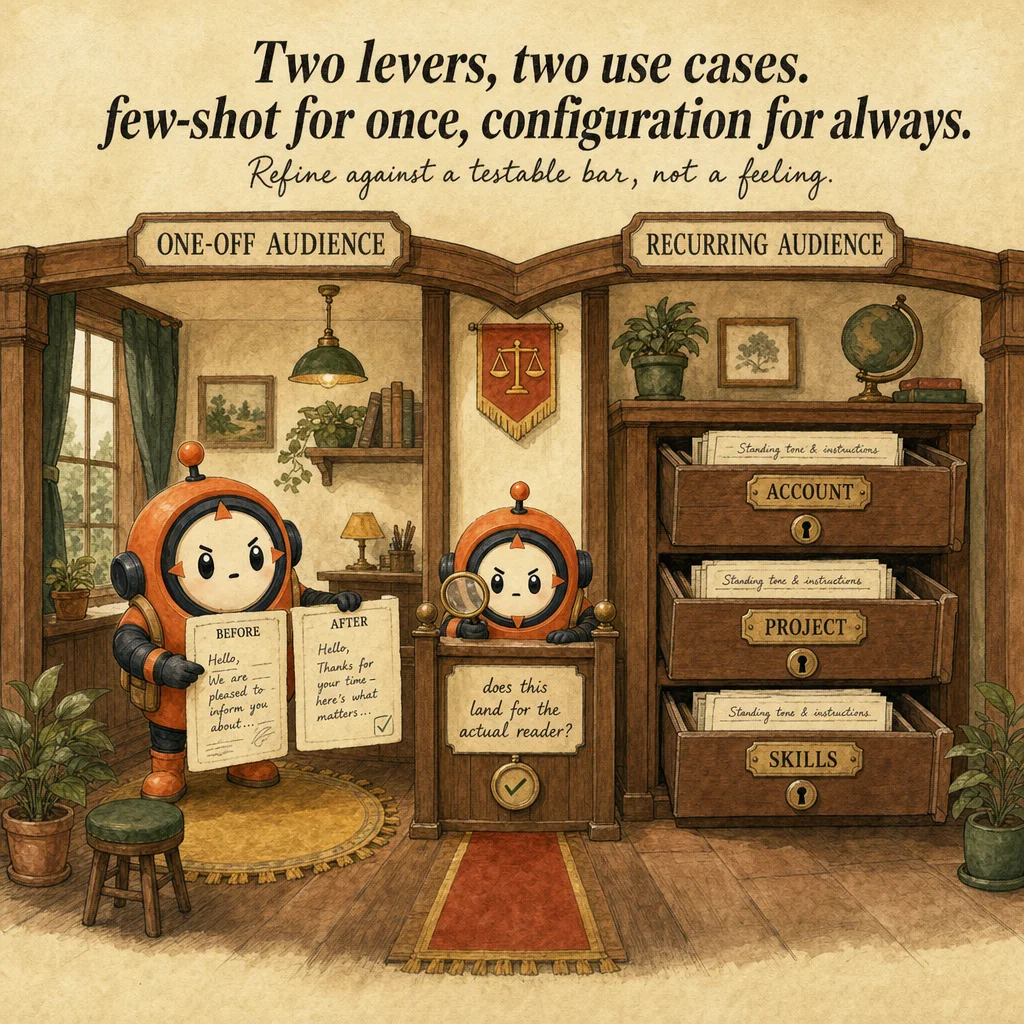
Lever one: few-shot before/after examples. Anthropic's "6 Techniques for Effective Prompt Engineering" reference demonstrates audience-adaptation directly, converting "the platform implements end-to-end encryption protocols to safeguard data integrity" into plain language by first giving Claude two worked before/after examples of jargon-to-plain-language conversion. "Providing examples helps the AI understand the pattern, style, or format you're looking for more clearly than descriptions alone." This is the right lever for a one-off or first-time adaptation to a specific audience.
Lever two: persistent configuration for recurring audiences. Claude's personalization features, account-wide "Instructions for Claude," project-level instructions, and Skills, exist specifically so tone and format for a given audience or workflow persist without re-explaining them every turn. Skills add specific behaviors or capabilities — customizing how Claude communicates, applying specialized expertise, or defining repeatable behaviors activated on demand. (Styles is a separate, still-current feature specifically for formatting and delivery of responses — related in purpose, not a renamed version of Skills.) This is the right lever once you'll hit the same audience or workflow repeatedly, not a one-off request re-typed each time.
Refinement is scoped to controllable success criteria. Anthropic's prompt-engineering overview frames editing as testing a draft against explicit success criteria and adjusting from there, not vague "make it better" iteration. "Does this land for an engineer who needs the root cause?" is a testable criterion; "does this sound better?" is not.
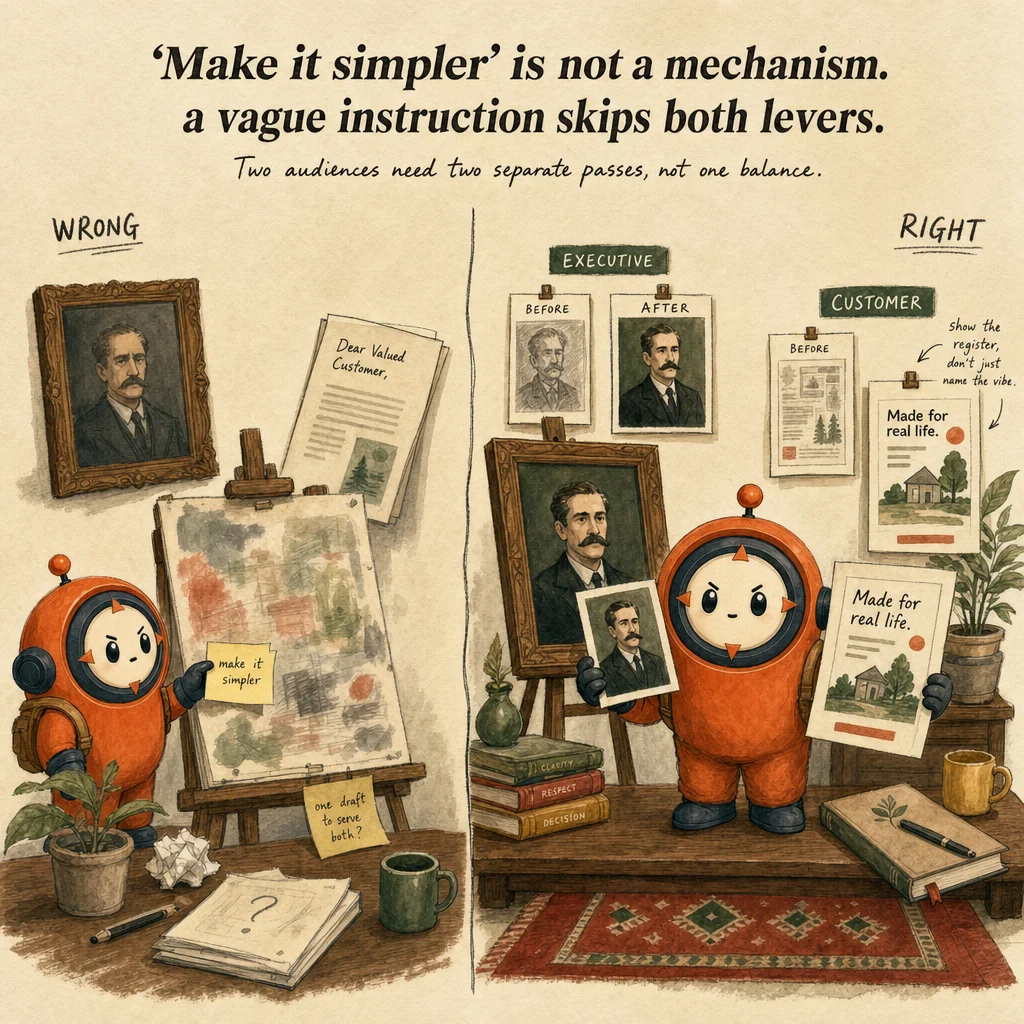
Compare before shipping either version. When one source needs to reach two audiences, the pattern is running two separate adaptation passes, not writing one version that tries to split the difference. Each pass gets its own audience framing and its own few-shot reference, and the two outputs are compared side by side before either goes out, rather than assuming a single "balanced" draft serves both readers.
The trap is treating "adapt for audience" as a single generic instruction like "make this simpler." Anthropic's material grounds the actual mechanism in two levers: concrete before/after examples of the target register (few-shot), and persistent configuration, account instructions, project instructions, Skills, for recurring audiences, not a one-off tone request re-typed each time. An answer that only says "just ask Claude to be more casual" misses both the example-driven and configuration-driven mechanisms this objective tests.
Where you'll see it
Incident postmortem for two audiences
Runs two adaptation passes on the same source content, one framed for engineering leadership with root-cause detail, one framed for customers in plain language, then compares both before sending either.
Recurring customer-support tone
Sets the desired tone once via project instructions or a Skill instead of re-typing a tone request in every new support ticket.
Side-by-side
| Mechanism | When to use it | What it actually does |
|---|---|---|
| Few-shot before/after examples | One-off or first-time adaptation for a specific audience | Shows Claude the target register directly (e.g. a jargon sentence rewritten in plain language) rather than describing it abstractly |
| Persistent configuration (account instructions, project instructions, Skills) | A recurring audience or workflow you'll hit again | Tone and format persist without re-explaining every turn; Skills can apply communication patterns learned from your own writing |
Question patterns
6 V2 questions wired to this concept. Tap an answer to check it instantly - you'll see whether it's right and why - then expand the full breakdown for the mental model and all four rationales.
A first draft of a client email from Claude is factually fine but too formal for the client relationship. What is the appropriate next step?
Frequently asked
Showing 2 of 2 questions