
On this page
TLDR
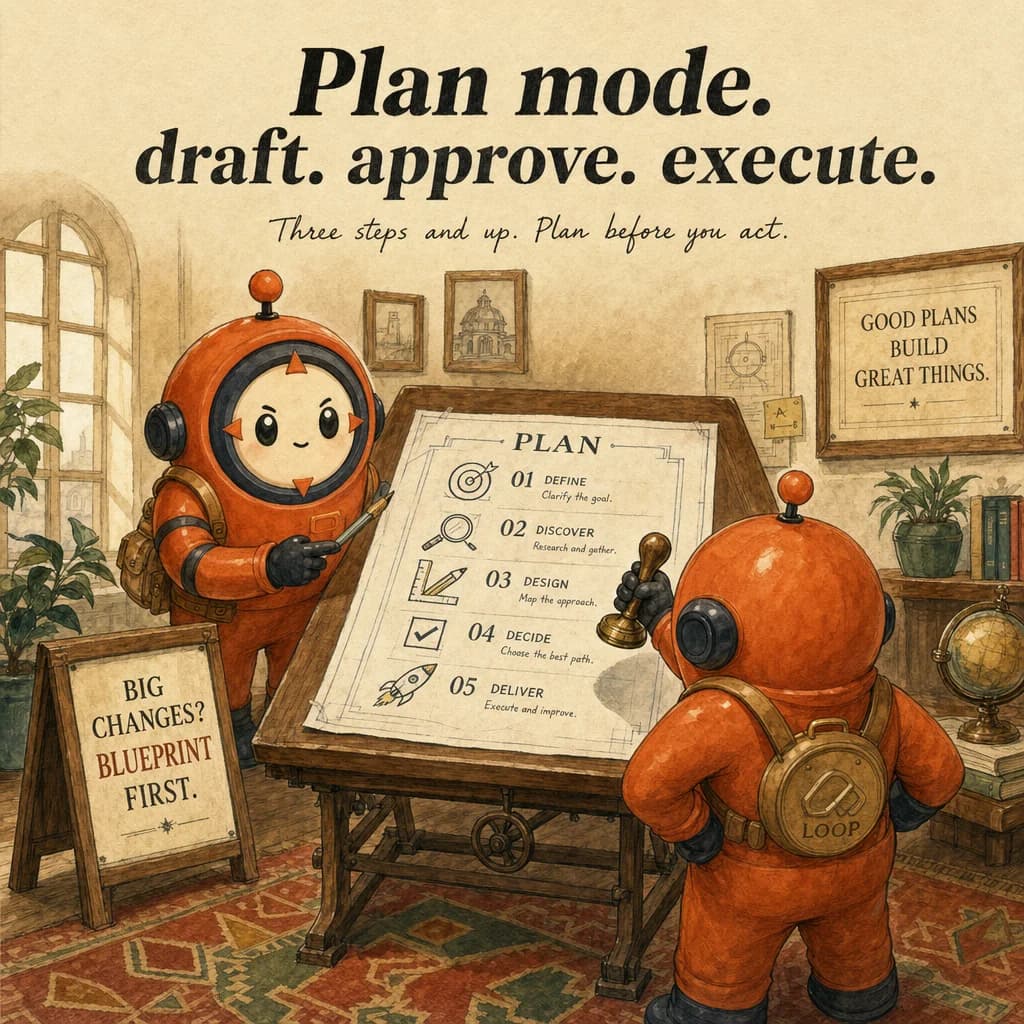
Plan Mode forces Claude Code to draft and approve a multi-step plan before executing. Use it for non-trivial changes (3+ steps); skip for trivial edits. The exam pattern: when do you require Plan Mode vs. direct execution.
What it is
Plan mode is a Claude Code feature that separates exploration from execution. The workflow: enter plan mode, issue a research or design request, Claude analyzes the codebase and produces a structured plan, then you approve or refine the plan before execution. Only after approval does Claude write or modify files. This makes the reasoning visible and gated.
What distinguishes plan mode from direct execution is the approval gate. Direct execution starts modifying files immediately on a clear request. Plan mode is for ambiguous or multi-faceted requests where there are 3+ viable architectures with tradeoffs. Without upfront analysis, rework is inevitable. Plan mode prevents rework by validating the architecture before the first file edit.
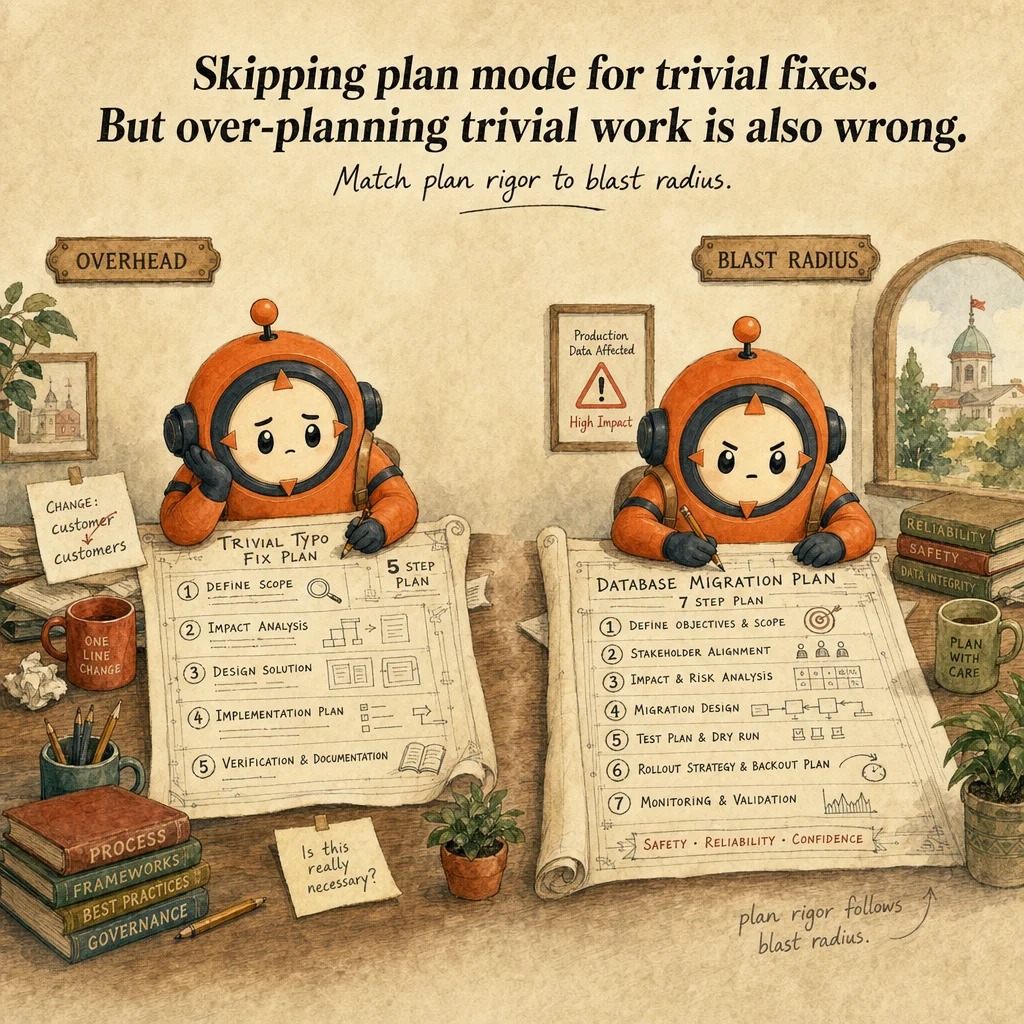
The trigger threshold is 3+ steps involving architectural or design decisions. A single-file bugfix with a clear stack trace does not need plan mode. A 30-file refactor, domain model rewrite, or library migration always needs it. The test: "Can I confidently describe the change without exploring the codebase first?" If no, plan mode.
Plan mode works in locked phases. Phase 1: Claude explores files, identifies interdependencies. Phase 2: Claude proposes 2-3 architectural options with tradeoffs. Phase 3: you choose or refine. Phase 4: Claude executes. Each phase is fully visible; you can exit, iterate, or reject without partial damage. This is why plan mode prevents the over-confident bad decision class of bugs.
How it works
The plan-mode loop has four decision points. Explore: Claude reads the codebase, writes a diagnosis. Propose: Claude offers 2-3 options with explicit tradeoffs (performance, complexity, testing burden). Decide: you approve, request changes, or reject. Execute: only after approval, Claude modifies files and runs tests.
Blast radius assessment is plan mode's critical step. Before modifying any file, Claude must answer: "Which files change? What breaks if done wrong? What tests validate?" For architectural changes, the answer spans dozens of files. Plan mode forces this estimation before the first edit, not after a broken test reveals the gap.
Plan mode is not a separate conversation. Same session, same message history, same context window. Claude explains the codebase aloud; you ask clarifying questions; Claude refines. Then you issue an approval ("Implement option A") and execution proceeds. One coherent thread, unlike fork or subagent which isolate context.
Rejection and iteration are zero-cost. Read the plan, dislike it, reply "No, fewer services". Claude re-analyzes (same session) and produces a new plan. No rework of partial code, no discarded PRs. Iteration cost is milliseconds of token budget, not hours of human rework.

Where you'll see it
Monolith-to-microservices refactor
50K-line e-commerce platform splitting. Direct execution risks boundary mistakes that cascade through 6 months of work. Plan mode: explore, propose 3-service boundary, you question whether payments should be separate. Claude revises. Approval before refactoring.
Major dependency upgrade (React 18 → 19)
120 components. Not a mechanical find-replace. Plan mode: scan, propose codemods for 80% + manual review for 20%, identify components at risk, recommend test-first sequence. You approve, then execute.
Show 2 more examples
Multi-service CI/CD pipeline redesign
Brittle workflows. No single right redesign. Plan mode: map current pipeline, identify bottlenecks, propose 2 architectures with tradeoffs. You pick one. Prevents locking into wrong architecture mid-build.
Unfamiliar codebase from a different framework
Unfamiliar code = hidden interdependencies. Plan mode is mandatory. Claude explores, explains the architecture, proposes a feature-add strategy. Without plan mode, an unfamiliar framework is a minefield.
Code examples
# Step 1: Enter plan mode for architecture exploration
claude --plan-mode

# In session: ask an architectural question
# "Refactor this monolith into 3-4 microservices.
#  Analyze dependencies first."

# Claude explores the codebase, reads key files, identifies domains,
# proposes a service boundary. NO files are edited yet.

# Step 2: Review the plan in the conversation. Ask clarifying questions:
# "Can the payment service be separate from fulfillment?"

# Claude revises the plan based on your feedback (still no file changes).

# Step 3: Approve execution
# "Looks good. Implement this plan."

# Claude now executes: creates files, modifies existing, runs tests.
# All changes logged and visible.

# Step 4 (optional): Exit plan mode for follow-up tweaks
# Quick edits after the plan can use direct execution.Looks right, isn't
Each row pairs a plausible-looking pattern with the failure it actually creates. These are the shapes exam distractors are built from.
Use plan mode for every request, including simple bugfixes.
Plan mode has overhead.
Reserve for 3+ step architectural decisions. A single-file null-check should use direct execution.
Plan mode is for understanding code; skip it once you know the codebase.
Plan mode is for decision validation, not just learning.
Even in familiar codebases, complex multi-file refactors benefit from blast-radius estimation.
Plan mode prevents all mistakes; use it for everything.
Plan mode is an approval gate on architecture, not a guarantee against all bugs.
Its strength is catching bad-decision types; it doesn't replace testing.
If the plan is bad, execute it anyway and fix later.
Reject and iterate (zero cost).
Executing a bad plan and reworking is expensive. Plan mode's value is iteration cost (milliseconds), not execution cost (hours).
Direct execution can switch to plan mode mid-work.
Plan mode is a mode, not a patch.
Switching mid-work commits to prior decisions made in direct mode. Start in plan mode for complex tasks.
Deny the Read tool but leave Grep and Bash allowed, and Claude can still read the file another way.
A Read deny rule is applied best-effort to the other built-in file-reading tools too, including Grep and Glob.
Denying Read blocks those reads as well; you do not have to enumerate every read-capable tool separately. (This is the opposite of a common misconception.)
plan is the safe mode, and bypassPermissions is the only unsafe one to worry about.
There are six permission modes (default, acceptEdits, plan, auto, dontAsk, bypassPermissions), and acceptEdits already auto-accepts file edits and common filesystem commands.
Safety is per-mode, not a plan-vs-bypass binary.
Side-by-side
| Aspect | Plan Mode | Direct Execution | fork_session | Subagent |
|---|---|---|---|---|
| Approval gate | Yes, explicit | None, immediate | None | None |
| Visibility of reasoning | Full plan shown | Implicit | Parallel threads | Hidden in subagent |
| Iteration cost | Milliseconds | Hours (rework) | Minutes (merge) | Hours (restart) |
| Best for | Multi-step architectural | Single-file, clear scope | Comparing approaches | Parallel research |
| Context retention | Single session, full history | Single session | Two branches | Isolated, discarded |
| File changes before approval | None | Immediate | None until merge | Only in subagent context |
Decision tree
Can you describe the desired change without exploring the codebase?
Does the change span 30+ files or involve architectural decisions?
Are there 3+ valid approaches with different tradeoffs?
Will failing mid-work be expensive?
Are you familiar with this codebase?
Question patterns
6 V2 questions wired to this concept. Tap an answer to check it instantly - you'll see whether it's right and why - then expand the full breakdown for the mental model and all four rationales.
For a single-file null-check fix, should you use plan mode?
Frequently asked
Showing 13 of 13 questions
-p for headless automation.plan is one of six permission modes: default (aka Manual, reads only), acceptEdits (auto-accepts reads, file edits, and common filesystem commands like mkdir/touch/mv/cp), plan (analyze only, no writes/execution), auto (everything, with background safety checks), dontAsk (only pre-approved tools), and bypassPermissions (everything). Shift+Tab cycles default -> acceptEdits -> plan by default; auto and bypassPermissions join the cycle only when enabled (account eligibility or a startup flag), and dontAsk never appears in it.deny beats any number of allow rules for the same tool.permissions.disableBypassPermissionsMode: "disable" blocks the --dangerously-skip-permissions flag org-wide. Managed settings sit above command-line args, local, project, and user settings, so they cannot be overridden locally.