
On this page
TLDR
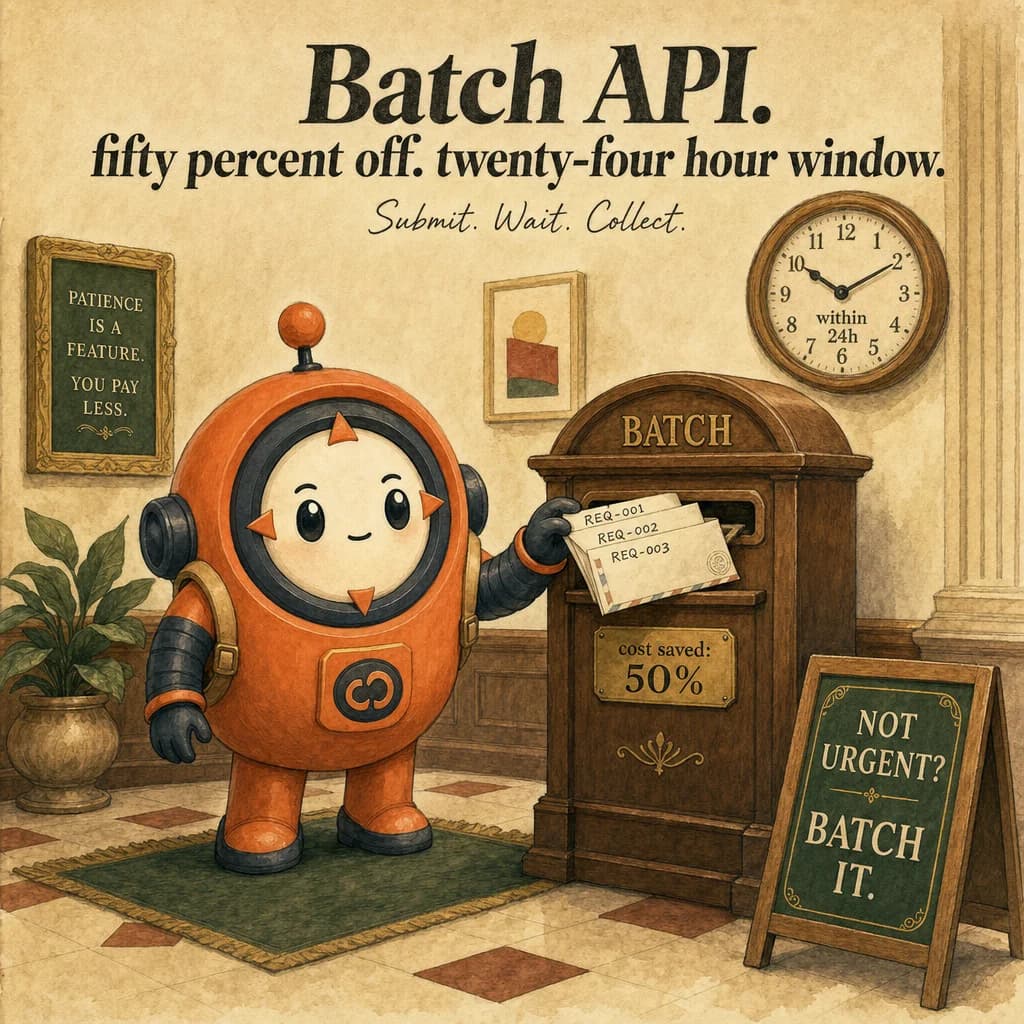
Message Batches API: 50% discount for async, non-time-sensitive workloads.
What it is
The Batch API is an asynchronous endpoint that processes requests in bulk within a 24-hour window at a 50% cost discount. Instead of messages.create() calls one-by-one, you prepare a JSONL file with up to 100,000 requests (or 256 MB, whichever limit is hit first), submit, and poll for results. The trade-off is latency: responses come within 24 hours, not milliseconds. The mental model: no one is waiting, so optimize for cost not speed.
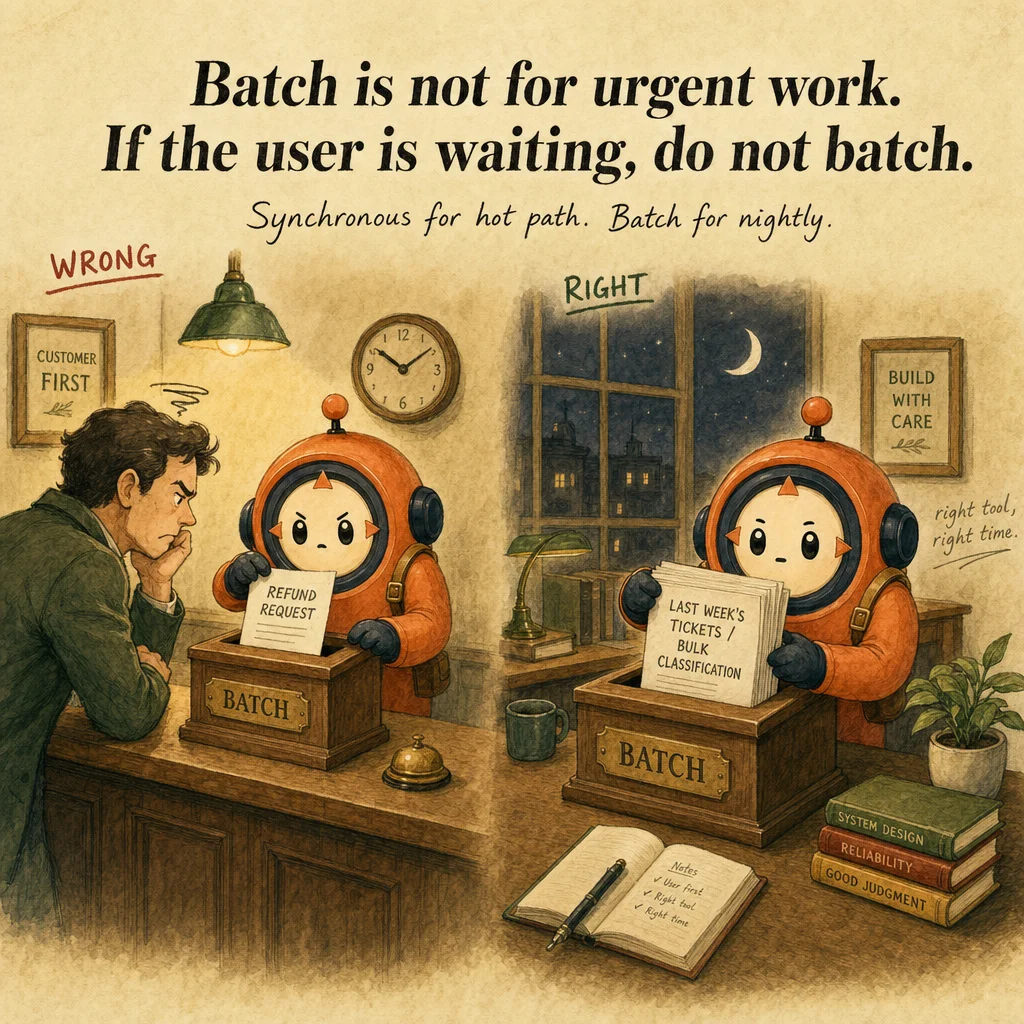
The use-case filter is strict: asynchronous workloads only. If a human or system is waiting (chatbot turn, CI/CD pre-merge check), Batch API is wrong; standard synchronous Messages API is correct. But if you have 10,000 documents to extract, a nightly report, or a queue that can finish by tomorrow, Batch API's 50% savings justify the delay.
The JSONL format is simple: one JSON object per line, each a messages.create() request. Include a custom_id (string you define) to correlate requests with results. The API returns results JSONL with the same custom_id, your response, and token usage. No streaming, ever. Tool calling works, though: server tools (web search, code execution, MCP connectors) run their agentic loop within a batch request, usually completing in one pass. If a turn returns stop_reason: "pause_turn" instead, the client submits the returned content in a follow-up batch request to continue — tool execution itself is server-side, but the client still drives continuation across requests. Client-side custom tools work the same way as in the synchronous API — the batch result carries a tool_use block, you execute it yourself, and submit the result in a follow-up request — but each of those round trips inherits Batch's own latency, so a many-turn client-tool conversation can take days instead of seconds. For a workflow built around fast client-tool loops, use synchronous API; for request-response pairs (including server-tool-driven ones) at scale, Batch is ideal.
Production failures cluster around one gap: applying it to latency-sensitive workflows. A team tries Batch for CI/CD pre-merge checks (must complete in minutes) and gets frustrated. Or for a customer-facing feature and hits the 24-hour wait. Recognize correct use cases: overnight reports, bulk data processing, non-urgent analysis, customer-success retrospectives.
How it works
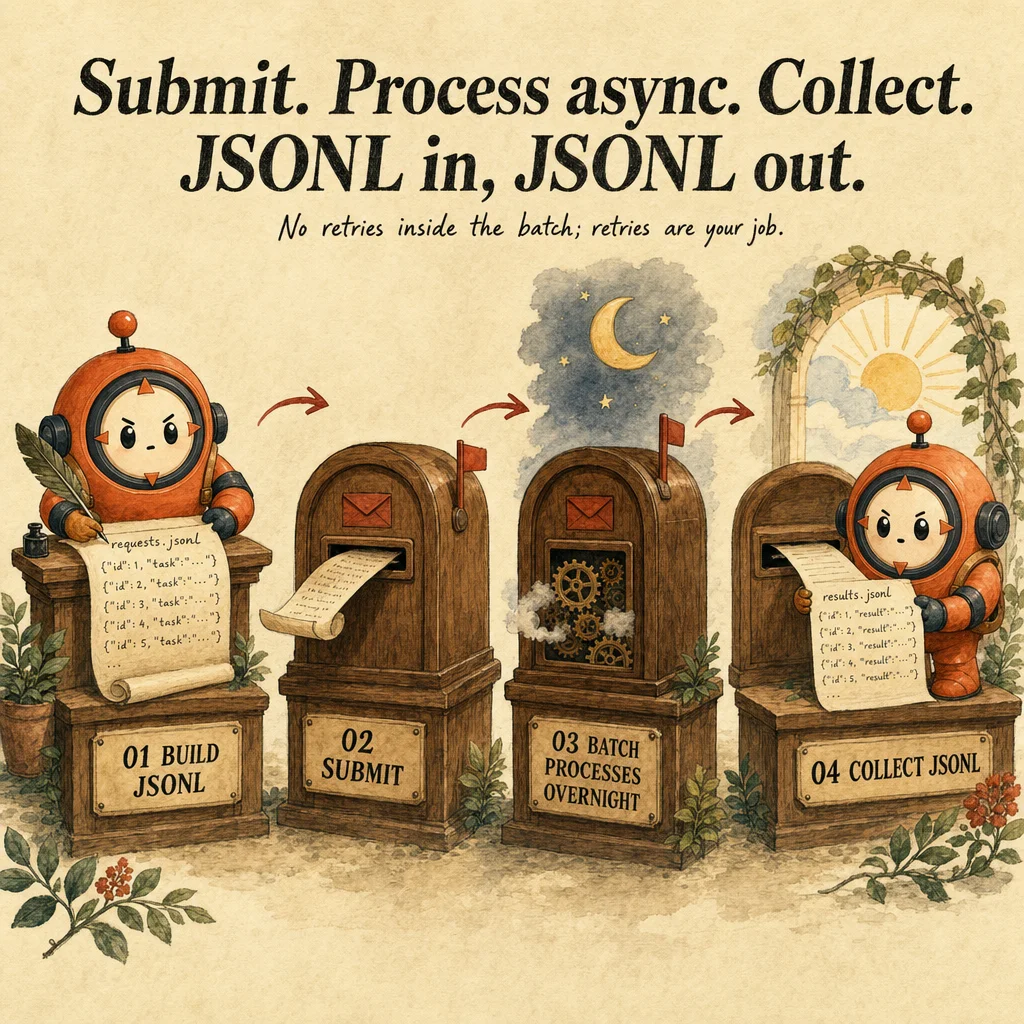
The Batch workflow has three stages. Prepare: create JSONL with up to 100,000 requests (or 256 MB, whichever comes first), each with custom_id and a valid messages.create() request body. Submit: upload via messages.batches.create(). The API returns a batch_id and initial state processing. Poll: query messages.batches.retrieve(batch_id). When state changes to completed, download the results JSONL.
The economics are stark: Batch requests cost 50% of synchronous calls. A claude-opus-4-5 request that costs 1 unit synchronously costs 0.5 units in Batch. Flat 50% applies to all tokens (input and output), all models. The catch is latency: processing happens "in the next 24 hours," not immediately.
Each request is independent, but not necessarily one-shot: server tools (web search, code execution, MCP connectors) run within that one request and usually complete in one pass. A stop_reason: "pause_turn" means the turn didn't finish — the client submits the returned content in a follow-up batch request to continue; tool execution is server-side, but the client still drives that continuation. Client-side custom tools work too, but with the same catch: the caller executes the tool and submits a follow-up request to continue, and each of those round trips can take up to 24 hours in Batch. Batch is for request-response pairs, including server-tool-driven ones — not for interactive client-tool loops that need fast turnaround.
Results are returned as JSONL with the same line count as input. Each result has custom_id, response (Message object), and usage. Iterate, match by custom_id, decide next steps (DB store, follow-up, log errors). Results file is immutable: download multiple times, but the batch is complete once state is completed.
Where you'll see it
Overnight document extraction
50,000 invoices. JSONL with 50,000 requests, submit via Batch. Next morning, results ready. 50% savings = $2,000 saved vs synchronous. No customer waiting; nightly job.
Bulk entity extraction from contracts
10,000 contracts. Submit Tuesday evening, results Wednesday morning. 50% savings amortize the engineering overhead. Synchronous would cost 2x more and require 24 hours of API calls anyway.
Show 2 more examples
Customer success retrospectives
After every 30-day cohort, analyze 500 conversations for sentiment, NPS drivers, churn signals. Submit Monday, results Tuesday. Non-urgent, huge savings.
Overnight question bank generation
Education platform generates 1000 practice questions. One request per topic, custom_id is the topic. Next morning, 1000 questions ready. 50% off.
Code examples
from anthropic import Anthropic
import json, time

client = Anthropic()

def prepare_requests(invoices):
    return [
        {
            "custom_id": f"invoice-{i}",
            "model": "claude-opus-4-5",
            "max_tokens": 1024,
            "system": "Extract invoice fields. Return JSON only.",
            "messages": [{"role": "user", "content": inv["content"]}],
        }
        for i, inv in enumerate(invoices)
    ]

def submit_batch(requests):
    jsonl = "\n".join(json.dumps(r) for r in requests)
    with open("/tmp/batch.jsonl", "w") as f:
        f.write(jsonl)
    with open("/tmp/batch.jsonl", "rb") as f:
        batch = client.beta.messages.batches.create(request_file=f)
    return batch.id

def poll(batch_id, max_wait=3600):
    start = time.time()
    while time.time() - start < max_wait:
        batch = client.beta.messages.batches.retrieve(batch_id)
        if batch.processing_status == "completed":
            return True
        if batch.processing_status == "failed":
            return False
        time.sleep(30)
    return False

def retrieve(batch_id):
    batch = client.beta.messages.batches.retrieve(batch_id)
    return [json.loads(line) for line in batch.result_file.split("\n") if line.strip()]

# Full workflow
invoices = [{"content": "Vendor: Acme, $247.83, 2026-05-01"}, ...]
batch_id = submit_batch(prepare_requests(invoices))
if poll(batch_id):
    results = retrieve(batch_id)
print(f"{len(results)} extracted, 50% cost savings")Looks right, isn't
Each row pairs a plausible-looking pattern with the failure it actually creates. These are the shapes exam distractors are built from.
Use Batch API for a CI/CD pre-merge check that must block the PR.
Batch processes within 24 hours, not immediately.
Pre-merge needs synchronous responses (minutes). Use standard Messages API for latency-sensitive workflows.
Use Batch API for a feature that shows results to users in real time.
If a human is waiting (chatbot, UI, real-time), 24-hour window is unacceptable.
Use synchronous. Batch is for no one waiting.
Batch API supports multi-turn tool calling.
Partially right, but not the full picture.
Server tools (web search, code execution, MCP connectors, and others) DO run a full agentic loop within a single batch request — same server-side loop as the synchronous API, can pause with stop_reason: "pause_turn" and continue via a follow-up request. Client-side custom tools work too, the same way as in synchronous — execute the returned tool_use yourself, continue via a follow-up request — but each round trip inherits Batch's latency. What's genuinely unsupported is streaming.
50% savings means always use Batch over synchronous.
50% savings only justifies 24-hour latency if no one is waiting.
For interactive tasks, the cost of waiting (user frustration) exceeds the savings.
Batch API is faster for 50,000 requests.
Batch is cheaper, not faster.
Batch processes within 24 hours; synchronous in parallel finishes in minutes.
Side-by-side
| Aspect | Synchronous Messages API | Batch API | Caching | Agentic Loop |
|---|---|---|---|---|
| Latency | Immediate (ms) | Up to 24 hours | Immediate, reuses cache | Immediate per turn |
| Cost | 100% | 50% | 90% on reused content | 100% per turn (unless cached) |
| Use case | Interactive, real-time | Non-urgent bulk | Repeated prompts | Multi-turn reasoning |
| Throughput | Rate-limited, sequential | Bulk, batched | Per-conversation | Per-iteration |
| Tool calling | Supported (client tools need a follow-up call) | Server tools: full loop, one request. Client tools: same follow-up mechanic, at Batch latency. | Cached meta | Full support |
| Custom_id needed | No | Yes | No | No |
Decision tree
Is a human or system waiting in real time?
Have 100+ requests to process?
Can you wait 24 hours for results?
Need tool calling or multi-turn reasoning?
Cost is primary, latency flexible?
Question patterns
6 V2 questions wired to this concept. Tap an answer to check it instantly - you'll see whether it's right and why - then expand the full breakdown for the mental model and all four rationales.
Can you use checkpoints with the Batch API?
Frequently asked
Showing 10 of 10 questions