
On this page
TLDR
Capability bloat evaluation is the audit of an agent that already has its tools and capabilities configured: find the ones that overlap or carry more privilege than the task needs, then remove, merge or scope them and re-run the tasks the agent must still cover. The count of tool names is not the measure; the effective privileges and the overlap in what each tool can do are.
What you are deciding
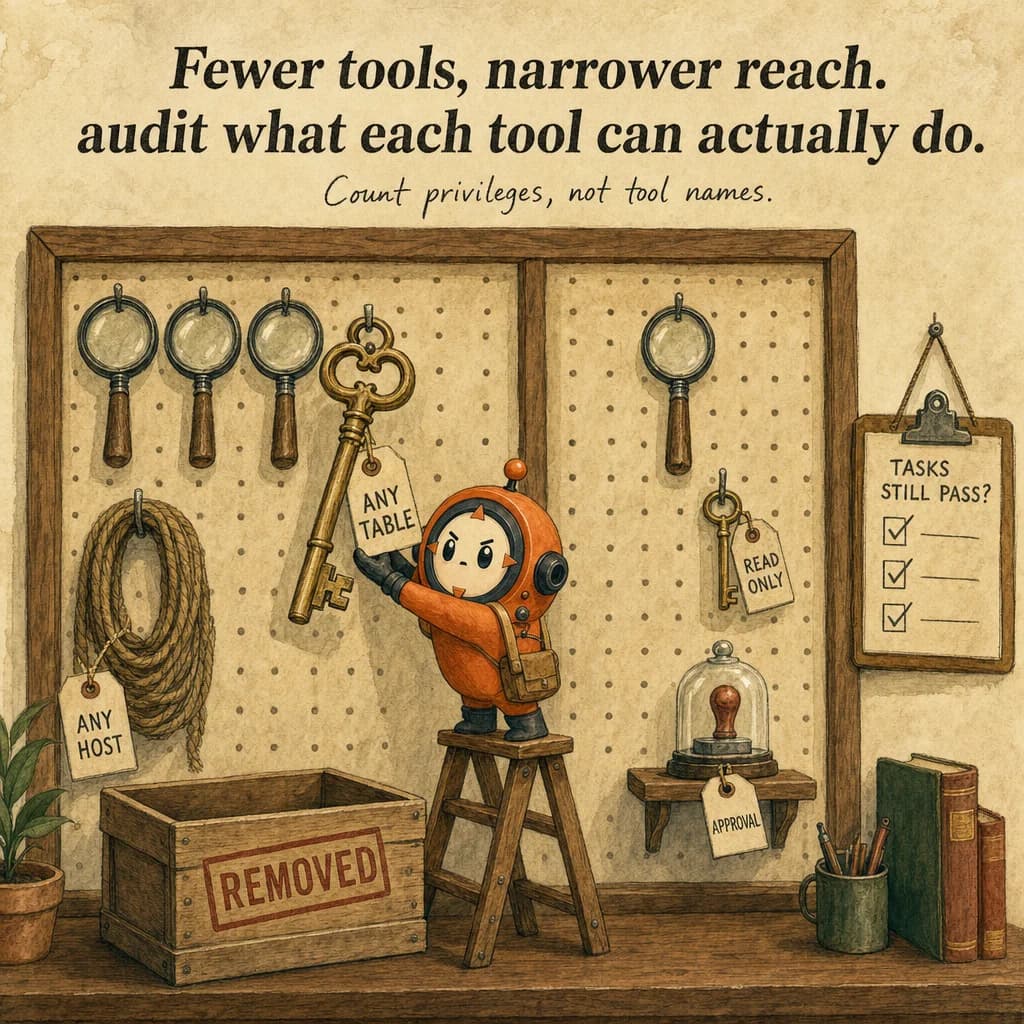
Capability bloat is surplus tool surface: overlapping tools that blur the model's choice, and broad tools whose effective privileges exceed the task. Audit what each tool can actually do, then remove, merge or scope it.
Which capabilities should I remove, merge or scope, and how do I prove the agent can still do its job?
What it is
A configured agent tends to collect capabilities: a second search tool added for one project, a broad action tool kept because it was convenient, a connector nobody removed. Capability bloat is the state where the configuration offers more overlapping or more privileged capability than the agent's tasks need. The cost is practical: the model has more near-duplicate tools to choose between, the tool definitions take up context, and each over-broad tool widens what a wrong choice can do.
Evaluating for bloat is different from choosing a tool surface in the first place. Choosing among built-in tools, custom tools, Skills and MCP is a design decision made before the configuration exists. This page covers the audit of a configuration that already exists: which capabilities overlap, which carry excess scope, and what to remove, merge or restrict without losing the tasks the agent must still complete.
How each certification frames it
CCA-P: How CCA-P tests capability bloat
CCARP-D3-O1Evaluate tool/agent configuration for capability bloat
The Professional guide lists evaluating tool and agent configuration for capability bloat (PDF page 5, Domain 3). This is an audit of a configuration that already exists, which differs from choosing among built-in tools, custom tools, Skills and MCP when designing one.
Anthropic's context engineering guidance names bloated tool sets that cover too much functionality as a common failure and recommends a minimal viable set of tools. Its secure deployment guidance adds the privilege side: restrict filesystem, network and credentials to what the task needs.
How it works
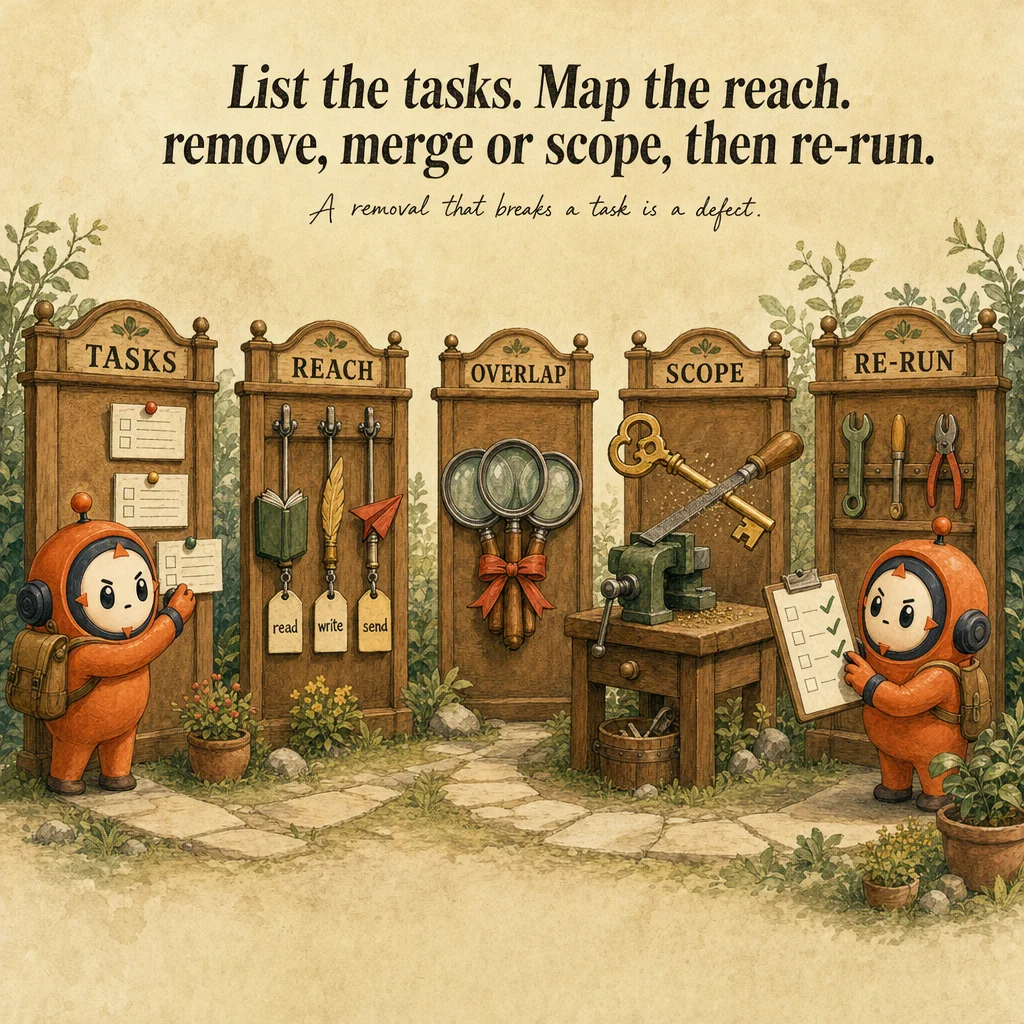
Start from the tasks, not the tool list. List the tasks the agent must be able to complete. For each tool, record what it can actually do (read, write, delete, send) and on which resources. Two tools with different names that can do the same thing are an overlap; one tool that can do far more than any task requires is excess scope.
Choose one action per finding. Remove a capability no task needs. Merge two overlapping capabilities into one with a clear description. Scope a broad capability down to the resources and verbs the tasks need. Keep a capability only when a named task depends on it.
Validate before and after. Produce a before and after capability matrix, then re-run the representative tasks against the reduced configuration. A removal that breaks a required task is a defect in the audit, not a success of the cleanup.
Worked example: auditing a support agent's tool set
Authored teaching example, not a bank question.
A support agent has three search tools, a database tool that can write, an unrestricted HTTP tool, an email tool, a refund tool, an account-deletion tool and an address-update tool. Its stated tasks are answering order questions, drafting replies for staff to send, and updating a shipping address when a customer asks.
| Tool | Problem | Action | After |
|---|---|---|---|
| Three search tools | Overlap blurs the choice | Merge | One search with a source parameter |
| Database tool | Can write anywhere | Scope | Read-only on needed tables |
| HTTP tool | Reaches any host | Remove or restrict | Allowlist or removed |
| Email, refund and delete tools | No stated task needs them | Remove | Gone from the configuration |
| Address-update tool | Needed for a stated task, consequential | Keep and gate | Approval before execution |
The agent has fewer, clearer tools with narrower reach. Check afterwards that no retained tool lacks a task that needs it and that the effective privileges, not just the tool count, went down.
How this decision goes wrong
Counting tool names instead of effective privileges
Looks right: The agent has only five tools, so the surface is small.
Why it fails: One tool that can run any query or reach any host is wider than several narrow ones. Tool count hides reach.
Instead: List what each tool can read, change and contact, and cut or scope by effect.
Removing capabilities without tests
Looks right: A tool was rarely used, so deleting it is safe.
Why it fails: A rare tool may be the only path for an important task, and the loss shows up in production.
Instead: Run the task suite before and after, and remove only what no task needs.
Keeping overlap for flexibility
Looks right: Several similar tools give the model options.
Why it fails: Ambiguity among tools leads to wrong or inconsistent choices and spends context on definitions.
Instead: Merge overlapping tools into one with clear parameters, or remove the weaker duplicate.
Side-by-side
| Finding | Typical action | Check afterwards |
|---|---|---|
| No task depends on the capability | Remove it | Required tasks still pass |
| Two capabilities reach the same resources | Merge into one with a clear description | The model picks the merged tool for those tasks |
| One capability can do more than any task needs | Scope its verbs and resources down | Out-of-scope actions are refused, in-scope ones succeed |
| A capability is kept for flexibility only | Treat as removable until a task names it | No required task regresses |
Decision tree
Does a named task depend on this capability?
Does another capability already reach the same resources for the same task?
Can the capability do more than the task requires?
The exam trap
Judging bloat by the number of tool names, or keeping an overlapping capability for flexibility. The measure is effective privilege and overlap, and every removal has to be checked against the tasks the agent must still complete.
Question patterns
CCA-P practice questions
5 approved CCA-P questions for this topic. Tap an answer to check it, then read the rationale for every option.
An internal support agent was originally scoped with three tools: look up order status, check refund eligibility, and issue a refund. Over a year, engineers added twelve more tools "in case they're useful": delete account, modify pricing tiers, access admin logs, and others unrelated to daily support tasks. A security review flags this. What is the core issue?
Frequently asked
Showing 2 of 2 questions
Sources and next steps
- Claude Certified Architect - Professional Exam Guide v1.0 (July 2026), PDF page 5, section: Domains 3, 4 and 5, detailed objectives. Checked 2026-10-16.
- Claude Certified Architect - Professional Exam Guide v1.0 (July 2026), PDF page 6, section: Domain 7: Developer Productivity & Operational Enablement, detailed objectives. Checked 2026-10-16.
- Effective context engineering for AI agents (Anthropic engineering), section: Context as a finite resource; Compaction; Structured note-taking; Sub-agent architectures; Tool-set bloat. Checked 2026-10-16.
- Securely deploying AI agents (Claude Code docs), section: Threat model; Built-in security features; Security principles. Checked 2026-10-16.