
What Anthropic teaches in this course
Subagents exist because every Claude Code session has a finite context window, and every tool call, file read, and search result fills that window with noise. After 50 turns of debugging, you might need to scroll past dozens of intermediate tool outputs to find the answer Claude actually gave you. Subagents fix this by running their own conversation in a separate window, doing their work, and returning only a summary to the main thread. The intermediate work is discarded; you keep the answer.
Mechanically, a subagent receives two inputs at spawn: a custom system prompt (defining role and behavior) and a task description (written by the parent agent based on the user's request). It then runs its own loop with whatever tools it has access to, isolated from the parent's context. When it returns, only the summary lands in the main thread. The parent never sees the intermediate steps, which is both the value (cleaner context) and the limitation (less debuggability if the subagent reaches a wrong answer).
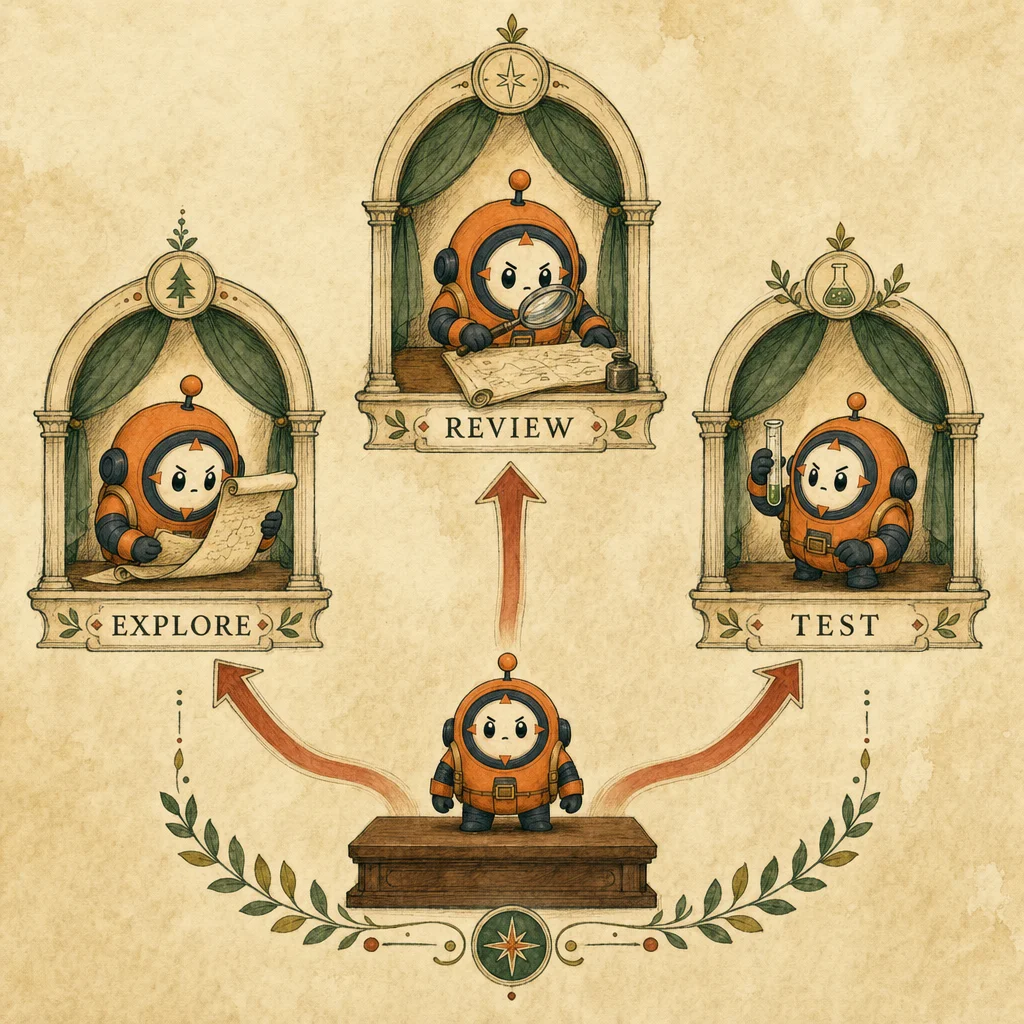
Claude Code ships three built-in subagents: General (multi-step tasks needing both exploration and action), Explore (fast search and navigation), and Plan (used during plan mode for research before producing a plan). For most tasks, the built-ins are enough - Claude picks which one to use automatically when you ask the right shape of question. The customization story matters when your team has recurring specialist patterns - a code reviewer, a test writer, a docs generator - that warrant a fixed config.
Custom subagents live as markdown files in .claude/agents/ (or ~/.claude/agents/ for personal). Each file declares: a name, a description (which Claude reads to decide when to invoke), a tool whitelist, and a system prompt. The tool whitelist is load-bearing: a code-reviewer subagent should have [Read, Grep, Glob] only, never [Edit, Write]. Tool overscoping is the canonical anti-pattern. Claude is allowed to call any whitelisted tool but will never call one outside the list, so the whitelist is your safety contract.
Designing effective subagents comes down to three rules: scope tightly (one role, not three), constrain tools (minimum needed for the role), and define output format (so the parent can aggregate cleanly). A subagent without an output schema wanders. A subagent with [Read, Grep, Glob, Bash, Edit, Write] is just another general-purpose agent in disguise. The narrow ones land; the broad ones drift, every time.
When you should *not* use a subagent: short tasks where the noise is minimal, exploratory work where you want to see the journey, or anything where you'll need to debug the path to the answer. The clean-context benefit is also a visibility cost - once the subagent returns, you cannot ask it follow-up questions, and the intermediate state is gone. For inline reasoning that should remain in the parent thread, just stay inline. Subagents are for delegation, not micro-isolation.
You'll walk away with
- Why subagents exist and what problem they solve in long Claude Code sessions
- How to invoke a built-in subagent vs spawn a custom one from a config file
- How to write a focused system prompt + tool whitelist that keeps a subagent on-task
- When to use a subagent and when to keep work inline in the main thread
4 lessons, with our annotations
5 ideas to carry into practice
Lines worth keeping
Tool overscoping
Granting [Read, Edit, Write, Bash] to a code-reviewer subagent. The reviewer should never edit; the whitelist is the contract. Restrict to [Read, Grep, Glob] so accidents become impossible.
Related concept →No output format
A subagent without a defined output schema wanders for 30+ turns and returns a wall of prose. Define a structured shape ({findings: [], confidence: number}) so the parent can aggregate.
Related concept →Treating subagents as inheritance
Subagents do NOT inherit the parent's chat history. Pass every fact the subagent needs in the task string. This is the single most-tested distractor pattern.
Related concept →How this course shows up on the exam
Direct prep for D1 task statements on agent-to-subagent delegation, hub-and-spoke topology, and context isolation. Subagents appear in P3.3 multi-agent-research and the developer-productivity scenario.
Blueprint weight27% (D1)Check the pattern
A subagent returns wrong facts about a customer the coordinator clearly mentioned earlier in its own conversation. Why?
Frequently asked
What is a subagent in Claude Code and how is it different from the main agent?
A subagent is a specialized helper that runs in its own separate context window, does a focused task, and returns only a summary to the main thread. The main agent stays clean of all the intermediate file reads, searches, and tool calls the subagent performed. Subagents are stateless across invocations and do not inherit the parent's conversation.
When should I use a subagent vs keep work inline in the main Claude Code session?
Use a subagent when the task is bounded, well-described, and you don't need to see the journey - exploration, research, code review, automated tests. Stay inline when you want visibility into the reasoning, when the work is short enough that context noise doesn't matter, or when you'll iterate based on intermediate findings.
How do I create a custom subagent in Claude Code?
Create a markdown file in .claude/agents/<name>.md with frontmatter declaring name, description, tools (the whitelist), and system_prompt. Claude Code auto-discovers files in this directory and uses the description field to decide when to invoke the subagent. Place personal subagents in ~/.claude/agents/ and project ones in .claude/agents/.
Why does my subagent return wrong answers about facts the main conversation already established?
Subagents do not inherit the parent's conversation history. The parent must pass every required fact in the task string explicitly. If the parent says investigate the refund flow without naming which customer, file, or service, the subagent has nothing to anchor on and will guess. The fix is to embed all needed context in the task description.
What tools should I give a code-review subagent?
Restrict to [Read, Grep, Glob] - strictly read-only. Reviewers should never edit, write, or run code. Tool overscoping is the canonical anti-pattern: granting Edit or Write to a reviewer means accidents become possible. The whitelist is your safety contract; the prompt alone won't enforce it.
Are subagents and Claude API agents the same thing?
No. Subagents are a Claude Code specific feature for delegating work inside a coding session. Agentic loops on the Claude API are a more general pattern where any client harness orchestrates messages.create calls with tool use. The mental model is similar (parent dispatches, child does focused work), but the runtime, tool surface, and configuration are distinct.
How many built-in subagents does Claude Code have and what do they do?
Three: General for multi-step tasks needing both exploration and action; Explore for fast search and codebase navigation; Plan for research and analysis during plan mode. Claude picks which built-in to invoke based on the task shape. Custom subagents extend this set with team-specific specialists like reviewers, test writers, or docs generators.