
On this page
TLDR
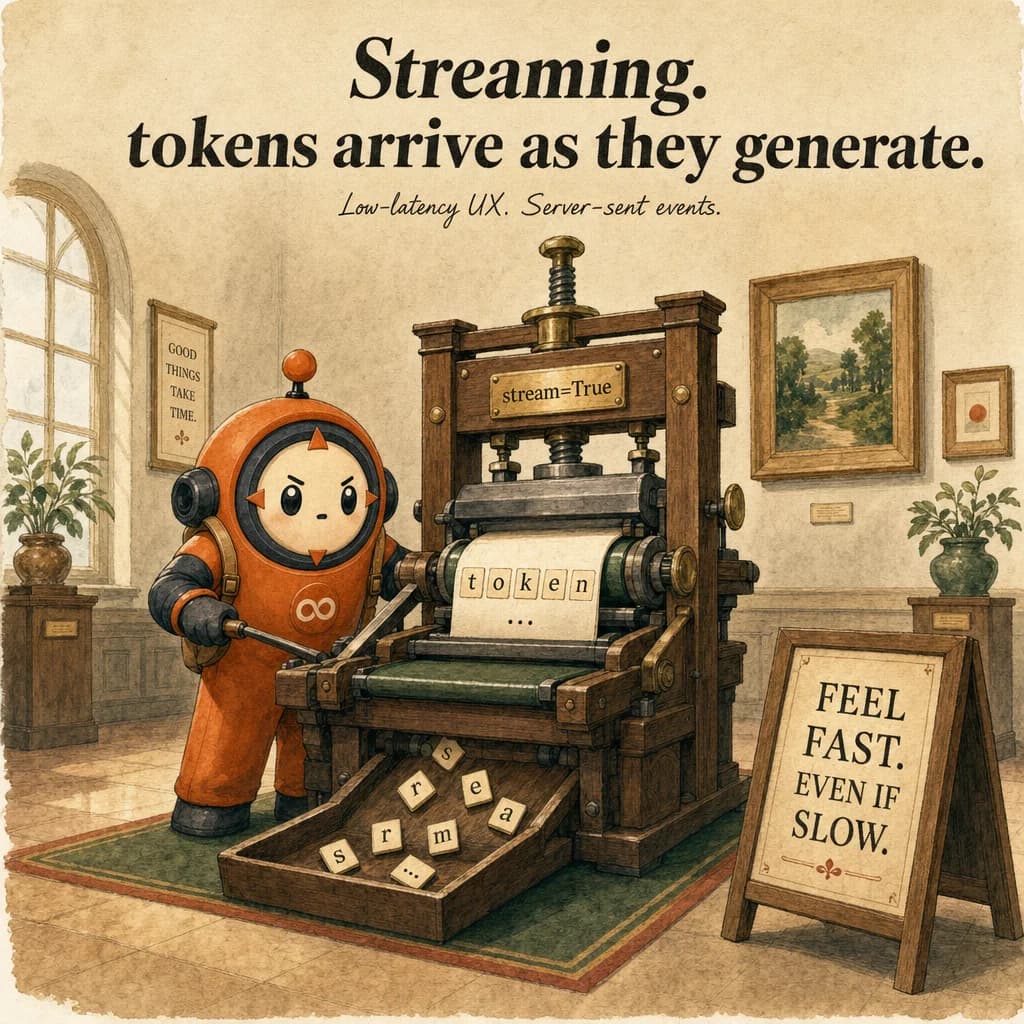
Streaming returns tokens as they're generated for low-latency UX. A full deep-dive guide is coming soon.
What it is
Streaming is the capability to receive Claude's response token-by-token as Server-Sent Events (SSE) rather than waiting for the entire response. Add stream=True to messages.create(), and instead of a single response object, you get an HTTP event stream where each event represents a chunk of text or metadata. The user sees text appear word by word, creating a responsive chat experience instead of a blank screen for 10-30 seconds.
What makes streaming realtime is that the connection stays open while the model writes. Each token is emitted as a ContentBlockDelta event within milliseconds, allowing the client to render incrementally. The alternative (non-streaming) waits for the full response and ships it all at once, creating artificial latency. Streaming is especially valuable for long-form responses.
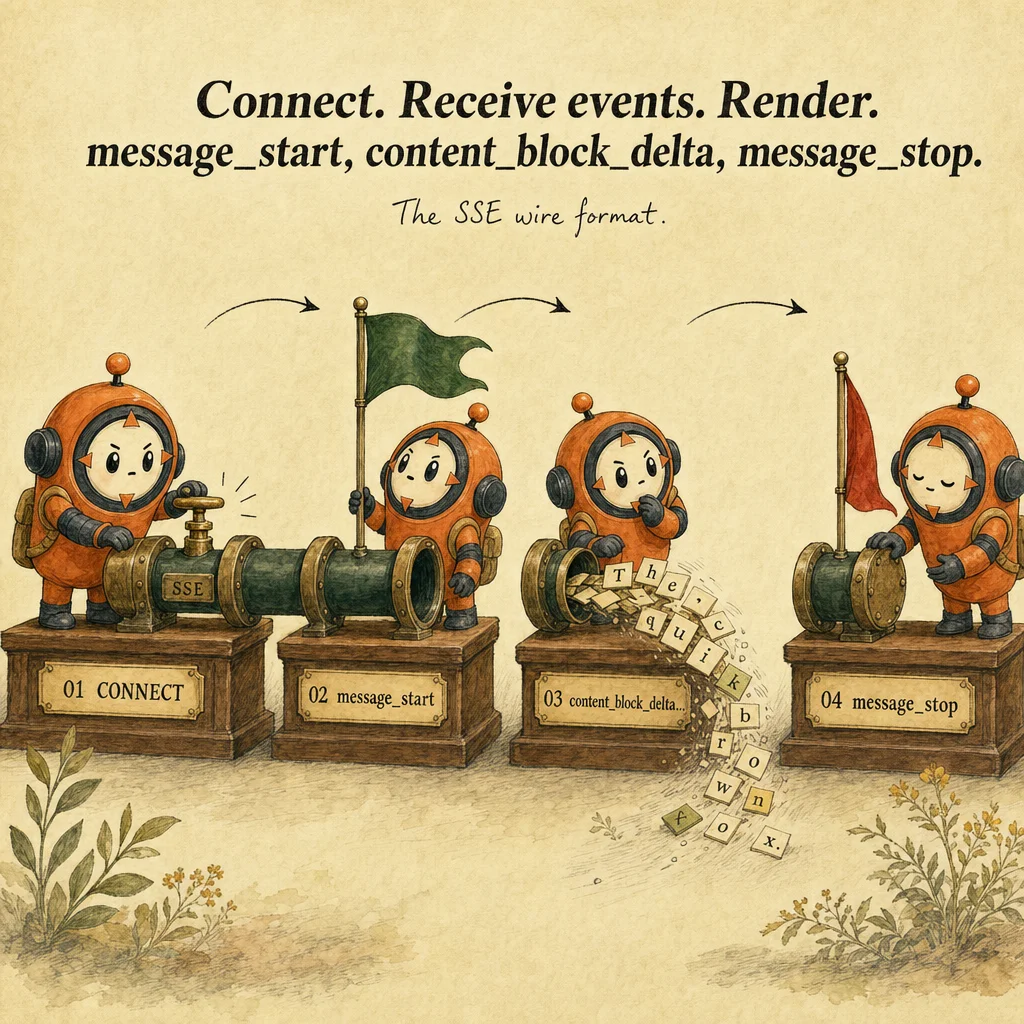
The event stream contains seven main types: MessageStart, ContentBlockStart, ContentBlockDelta (the actual text chunks), ContentBlockStop, MessageDelta, MessageStop, and optional error events. Production handling requires three guarantees: (1) graceful reconnection on network drop, (2) correct handling of tool_use blocks (they don't stream character-by-character), (3) cost tracking (you pay per token regardless).
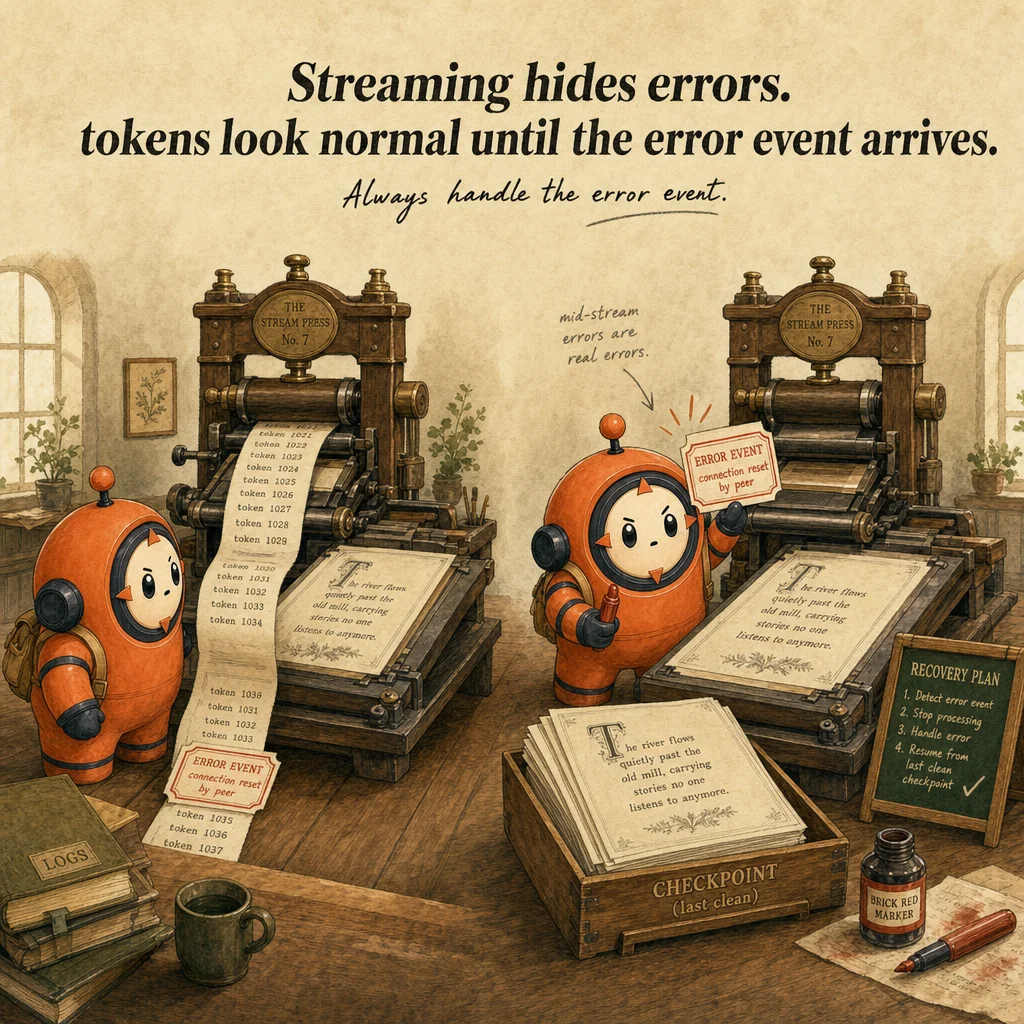
The main risk is premature disconnection. If the client closes before completion, the request is still billed but you lose partial output. Mitigations: track stream state, buffer all received tokens, exponential backoff on reconnection, log connection drops. Secondary risk: treating streaming as cost optimization, it costs the same as non-streaming, use it for UX.
How it works
Request structure is identical to non-streaming, except stream=True. The SDK returns an iterator (Python) or async generator (TS) that yields events. for event in stream: process(event). Fundamentally synchronous from the caller's perspective: you block reading events until more arrive.
Event payload structure is JSON. ContentBlockDelta events contain a delta field with text. ContentBlockStart signals block type (text or tool_use). MessageStart carries metadata (model, usage estimates). MessageStop includes final token counts and stop_reason. Extract from ContentBlockDelta.delta.text, accumulate. Cost tracking happens at MessageStop.
For tool_use blocks, the stream works differently. The full tool_use block (with name and input) arrives in a single ContentBlockStart event or spread across multiple ContentBlockDelta events with type input_json_delta. Accumulate the JSON incrementally, validate only after ContentBlockStop, then execute. Most common mistake: trying to execute halfway through the JSON stream.
Network handling is critical. Streaming uses HTTP long-polling; the connection stays open for seconds. Wrap the loop in try/except: catch RequestException, log, decide retry or escalate. The SDK provides with client.messages.stream(...) as stream: context manager that auto-closes and handles cleanup.
Where you'll see it
Real-time chat UI in Streamlit or Flask
Web app uses stream=True, emits each text chunk via SSE to the frontend. JavaScript EventSource API consumes SSE automatically. User perceives instant feedback; same cost as non-streaming.
Live code generation in IDE extensions
VS Code extension calls Claude. With streaming, user sees the function appear line-by-line. Real incremental generation, not a fake typewriter effect. Extension inserts text into editor buffer as events arrive.
Show 2 more examples
Streaming agentic loops with tool results
Refund agent loop streams text ("Let me check the order..."), then a tool_use block (arrives complete, not streamed). Harness executes, appends result. Next turn streams reasoning again. Streaming improves perceived responsiveness even in multi-turn flows.
Long-form document generation
Research assistant generates 5000-word report. Non-streaming = blank screen 20+ seconds. With streaming, user sees intro, sections, conclusions live. User can interrupt mid-generation without paying for full output.
Code examples
import anthropic
client = anthropic.Anthropic()

def stream_response(user_msg: str, tools: list = None):
    accumulated_text = ""

    with client.messages.stream(
        model="claude-opus-4-5",
        max_tokens=2048,
        system="You are a helpful assistant.",
        tools=tools or [],
        messages=[{"role": "user", "content": user_msg}],
    ) as stream:
        for event in stream:
            if event.type == "content_block_delta":
                if event.delta.type == "text_delta":
                    text = event.delta.text
                    accumulated_text += text
                    print(text, end="", flush=True)  # Real-time output

            elif event.type == "message_stop":
                print(f"\n[Stop reason: {event.message.stop_reason}]")
                if event.message.stop_reason == "tool_use":
                    for block in event.message.content:
                        if block.type == "tool_use":
                            print(f"[Tool: {block.name}]")

return accumulated_textLooks right, isn't
Each row pairs a plausible-looking pattern with the failure it actually creates. These are the shapes exam distractors are built from.
Streaming is cheaper than non-streaming.
Same cost.
You pay per token regardless. Streaming is purely UX, not cost optimization.
If stream connection drops, retry the entire request.
Drop doesn't lose what was received.
Client retains buffered text. Retrying wastes tokens on duplicate work. Log error, decide based on context.
Tool_use blocks stream character-by-character; parse JSON as it arrives.
Tool_use blocks arrive complete or as chunked input_json_delta events that must be fully accumulated before parsing.
Parsing partial JSON fails.
Display each event to the user immediately.
Some events (MessageStart) are metadata, not displayable.
Filter: display only ContentBlockDelta.text. Meta events go to logging.
Cancel a streaming request mid-stream by closing connection.
Closing stops receiving, but request is still processed server-side and billed.
Cancellation is not a cost-saving mechanism.
Side-by-side
| Aspect | Streaming | Non-streaming | Polling endpoint | WebSocket |
|---|---|---|---|---|
| Time to first token | 100-200ms | Entire response time | Batch delay | Similar to streaming |
| Cost | Same per token | Same per token | Same | Same |
| Connection | HTTP SSE | Request/response | Repeated polling | Persistent TCP |
| UX | Real-time, progressive | Batch, instant or long wait | Polling jitter | Real-time, lowest latency |
| Complexity | Event loop, buffer | Simple | Poll interval tuning | Server upgrade |
| Best for | Chat UIs, long-form | Quick queries, APIs | Legacy systems | High-frequency real-time |
Decision tree
Response >1000 tokens (likely >10 seconds)?
User-facing chat or interactive interface?
Agentic loop with tool_use blocks?
Need to reconnect on network failures?
Bandwidth a constraint?
Question patterns
6 V2 questions wired to this concept. Tap an answer to check it instantly - you'll see whether it's right and why - then expand the full breakdown for the mental model and all four rationales.
A customer-facing chatbot is wired to the Batch API to save money. What goes wrong in production?
Frequently asked
Showing 10 of 10 questions
input_json_delta events, parse when ContentBlockStop fires.stream=True, you get events. Buffer all events to assemble complete response, but can't "un-stream"./stream endpoint, iterate Claude stream, response.write(event) each chunk. Client: const es = new EventSource('/stream').input_json_delta events into a buffer keyed by index; finalize on the matching content_block_stop. Treating each delta as a complete tool call leads to malformed JSON crashes.message_stop, you'll burn tokens on the loop.