
What Anthropic teaches in this course
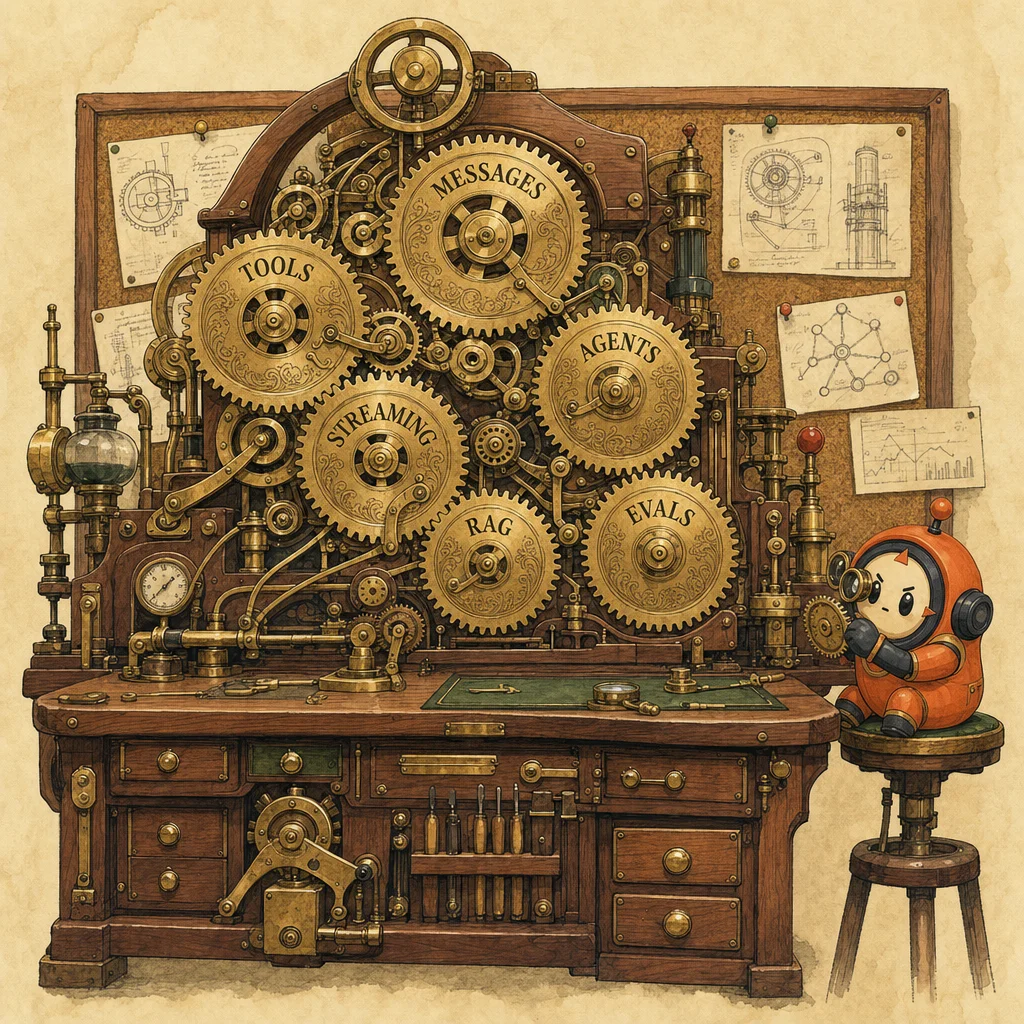
Building with the Claude API is the spine of the entire Skilljar catalog. Eighty-five lessons, fourteen sections, organized as a strict bottom-up build: messages → system prompts → streaming → structured outputs → evals → prompt engineering → tool use → RAG → features → MCP → agents and workflows. Each section assumes you have the prior. The course is heavy on hands-on Jupyter-notebook exercises and rewards code-along; passive watching loses ~60% of the value. If you can take only one Skilljar course before the exam, take this one, because it is the canonical reference every other course assumes.
The API surface itself collapses to one function and three primitives. The function is client.messages.create(model, max_tokens, messages, ...). The primitives layered on top are system prompt (role and behavior), temperature (0.0 deterministic to 1.0 creative), and streaming (token-by-token via stream=True). The conversation is *your* responsibility; Claude is stateless, you append assistant responses back into the messages list yourself. max_tokens is a safety cap, not a target; Claude doesn't try to fill it. Structured outputs come for free if you ask for JSON in the prompt, but for strict schemas the production-quality pattern is to use tool-calling as a structured-output mechanism, which the course transitions to in Section 6.
Evaluation is the gate between a demo and a system, and prompt engineering is what you do once that gate is open. Section 4 (Lessons 16-23) walks the eval workflow in five steps: generate a diverse test dataset (use Claude itself, then hand-curate), run the prompt against each input in parallel with rate-limit handling, grade outputs (model-based for subjective criteria, code-based for mechanical ones), score, iterate. Section 5 (Lessons 24-30) layers prompt engineering on top: be clear and direct (ambiguity is the dominant failure mode), be specific (concrete constraints beat abstract instructions), use XML tags (<document>, <example>, <question>; Claude is trained to attend to them), provide examples (multishot beats explanation), define a role, and decompose multi-step reasoning. The five-step engineering loop (goal → prompt → eval → apply technique → re-eval) is *only* possible if you have the eval pipeline from Section 4 in place; without evals, every prompt change is vibes-based. Pair Lesson 27 (XML tags) with the docs.claude.com prompt-engineering guide; both are required reading for the exam's prompt-engineering domain.
Tool use is the longest section (Lessons 31-43) and the most tested concept on the exam. The mental model: you describe tools to Claude (name, description, JSON input schema), Claude decides when to invoke them, you actually run them, you send the result back via a tool_result block, repeat. The agent loop is just while stop_reason 'tool_use'; when stop_reason flips to end_turn, the model is done. Three sub-skills the course emphasizes: writing good tool descriptions (the description is what Claude reads to choose), iterating message *blocks* not message *strings* (responses are arrays of text, tool_use, thinking blocks), and matching tool_use_id between request and result. Fine-grained tool calling (Lesson 40) streams tool inputs as they're generated; important for progressive UIs but optional for first builds.
RAG is presented as a composition pattern, not a product. Lessons 44-50 walk the full pipeline: chunk documents (semantic boundaries beat naive token splits), embed chunks (vectorize with an embedding model), store in a vector DB, retrieve at query time by cosine similarity, rerank, stuff into the prompt, generate. The production move is multi-index retrieval: combine dense (embeddings, captures meaning) + sparse (BM25, captures exact terms) and rerank. The course's RAG section is video-heavy and short on code, so the actual implementation work happens in Lesson 48; treat the rest as conceptual scaffolding. Pair this section with the Citations and Prompt Caching lessons from Section 8, because production RAG always involves both.
Section 8 (Features of Claude) is where the exam-tested optimization knobs live. Prompt caching (Lessons 55-57) marks a prefix as cache_control and reuses it across calls at ~10% cost; the rules are strict; cache breakpoints must be deterministic, ordered, and exact, and any change above the breakpoint invalidates everything. Extended thinking gives Claude an explicit reasoning budget (thinking={'type': 'enabled', 'budget_tokens': N}) for hard problems. Vision (image and PDF) is a content-block extension; pass image or document blocks alongside text. Citations attach source spans to claims; built-in for document blocks. Code execution and the Files API give Claude a Python sandbox. All five of these are highly testable on the certification and stack with tool use and RAG; learning them together is faster than learning them separately.
MCP and agents close the course. Lessons 60-71 build a working MCP server and client from scratch, with three primitives: tools (actions Claude can take), resources (read-only context Claude can fetch by URI), prompts (reusable templates the server publishes). The MCP Inspector is a dev tool that connects to your server and lets you call everything manually; use it before you wire up any client. The agents section (Lessons 76-83) frames the architectural choice cleanly: workflows for predictable, predefined paths (parallelization, chaining, routing) and agents for paths that depend on what the model finds (loop on tool_use, model decides when done). The course's final claim is that workflows and agents are not opposites; production systems usually mix them, with agents inside specific workflow steps. This is the architect-role conceptual takeaway; the certification's D1 domain hinges on getting it right.
You'll walk away with
- How client.messages.create() works, including system prompts, temperature, streaming, and structured outputs
- How to build a prompt-evaluation pipeline with model-based and code-based grading on a curated test set
- Six prompt-engineering techniques: clarity, specificity, XML tags, examples, role, decomposition
- How tool use works end-to-end: schemas, message blocks, tool results, multi-turn tool calling, fine-grained streaming
- How RAG composes (chunking, embeddings, BM25, multi-index reranking) and how prompt caching, vision, citations stack on top
- How MCP exposes tools/resources/prompts, and when to choose workflows (chaining, routing, parallelization) versus full agents
85 lessons, with our annotations
6 ideas to carry into practice
Lines worth keeping
Messages + parameters
client.messages.create(), system prompt, temperature, max_tokens, streaming. The base layer everything else sits on.
Related concept →Structured outputs
JSON-in-prompt for casual, tool-call-as-output for strict schemas. Lessons 13-14, then revisited in Section 6.
Related concept →Evals
Generate dataset, run, grade (model + code), score, iterate. Section 4 is the gate from demo to system.
Related concept →Prompt engineering
Clear, specific, XML-tagged, exemplified, role-defined, decomposed. Six techniques applied iteratively.
Related concept →Tool use
Schema → tool_use block → run → tool_result → loop. The longest section and most tested concept.
Related concept →RAG
Chunk, embed, retrieve, rerank, stuff, generate. Multi-index (BM25 + dense) is the production pattern.
Features (caching, vision, citations, thinking, code exec)
The optimization knobs. Highly testable; learn together because they stack.
Related concept →MCP + agents/workflows
MCP exposes tools/resources/prompts via protocol. Workflows (predictable) vs. agents (path depends on findings).
Related concept →Generate test data with Claude
Use a stronger model with a clear rubric to generate diverse test inputs covering edge cases. Then hand-curate.
Related concept →Run with concurrency control
Start max_concurrent_tasks=3 to avoid rate limits; raise once you know your quota. Async + retry on 429.
Related concept →Use model-based grading for subjective criteria
Tone, helpfulness, completeness; these are model-grader territory. Pin the grader to a stronger model than the generator.
Related concept →Use code-based grading for mechanical criteria
Schema validation, regex match, length bounds, keyword presence. Cheap, deterministic, no model in the grading loop.
Related concept →Iterate with measurable deltas
Each prompt change should lift the eval score, not just feel better. Without this discipline, prompt-engineering is vibes-based tuning.
Related concept →Use a workflow when the steps are predictable
Sequential chain (chaining), parallel fan-out (parallelization), classify-then-route (routing). Cheaper, more debuggable, lower variance.
Related concept →Use an agent when the path depends on findings
Loop on stop_reason 'tool_use'. The model decides when to stop. Higher variance, higher capability ceiling.
Related concept →Mix them in real systems
Agents inside specific workflow steps. The agent does the open-ended sub-task; the workflow handles deterministic before/after.
How this course shows up on the exam
The most exam-relevant single course in the catalog. Direct prep for D2 tool design, D1 agentic loops, D4 prompt engineering, and D5 context features (caching, batch, streaming, citations, vision). If you can only take one Skilljar course before the exam, this is it.
Blueprint weight18% (D2) + heavy spillover into D1 / D4 / D5Check the pattern
Two of your tools have similar names (fetch_data and get_data). The model picks the wrong one 30% of the time. What is the best first fix?
Frequently asked
What does client messages create do in the Anthropic Python SDK?
client.messages.create() is the single API function for all Claude generation. You pass model (e.g. claude-sonnet-4-0), max_tokens (a safety cap, not a target), and messages (a list of {role, content} dicts). Optional params like system, temperature, stream, tools, and tool_choice shape the call. Claude is stateless; every call sends the full conversation, you append assistant responses back into messages yourself.
When should I use a system prompt versus put the same instructions in the user message?
Use a system prompt for stable role and behavior that doesn't change turn-to-turn; "you are a math tutor", "respond in JSON", "never reveal internal IDs". Put turn-specific instructions in the user message. System prompts are passed as the system parameter (not inside messages) and are weighted slightly higher in attention, which makes them the right place for guardrails and persona.
How does tool use actually work end-to-end with the Claude API?
Four steps. Step 1: pass tools=[...] describing each tool with name, description, and input_schema. Step 2: Claude returns a response containing a tool_use content block with the tool name and arguments; stop_reason will be tool_use. Step 3: you run the tool yourself and capture its output. Step 4: append a user message with a tool_result block matching the tool_use_id, then call messages.create() again. Loop while stop_reason 'tool_use'.
Why is my prompt caching not actually saving any tokens?
Three common causes. First, your cache breakpoint isn't above truly stable content; any change above the cache_control block invalidates the entire cache. Second, the cached content is below the minimum cache size (1024 tokens for most models). Third, calls are spaced more than the cache TTL apart (default 5 minutes for ephemeral caching). Check the cache_creation_input_tokens vs. cache_read_input_tokens counts in the response usage to confirm hits.
What is the difference between a workflow and an agent in the Claude API?
A workflow has predefined steps; the model fills in the content of each step but does not choose the path. Examples: chaining (step A → step B → step C), routing (classify input, dispatch to specialized prompt), parallelization (fan out, aggregate). An agent loops on tool use; the model decides what to call next based on what it has found, and decides when to stop. Use workflows for predictability and lower cost; use agents when the path depends on what the model discovers.
Do I need a vector database to do RAG with Claude?
Not for small corpora. If your data fits in the context window (with prompt caching to keep it cheap), you can skip retrieval entirely and stuff everything in. For larger corpora, yes; and the production pattern is multi-index: a vector DB for semantic similarity *plus* BM25 keyword search, with results reranked. Pinecone, Weaviate, pgvector, Turbopuffer all work; Anthropic doesn't ship a vector DB.
Is MCP the same thing as tool use in the Claude API?
Related but distinct. Tool use is an API feature where you describe tools in your messages.create() call and run them yourself. MCP is a protocol that lets a Claude client (Desktop, Claude Code, Cursor) discover and call tools, fetch resources, and use prompts from an external server. MCP servers expose tools that *become* tool-use entries inside the API call the client makes. So MCP is upstream of tool use: it's how the tools get registered with the client; tool use is how they get called.
How long does it take to complete the Building with the Claude API course?
Skilljar estimates ~8 hours of video and exercises across 85 lessons, plus several hands-on coding exercises that double the wall-clock time if you actually code along. The course is heavy on Jupyter-notebook walkthroughs; passive watching loses ~60% of the value. Plan two full work-day blocks if you want to internalize tool use, RAG, and the agent/workflow distinction at exam-prep depth.